


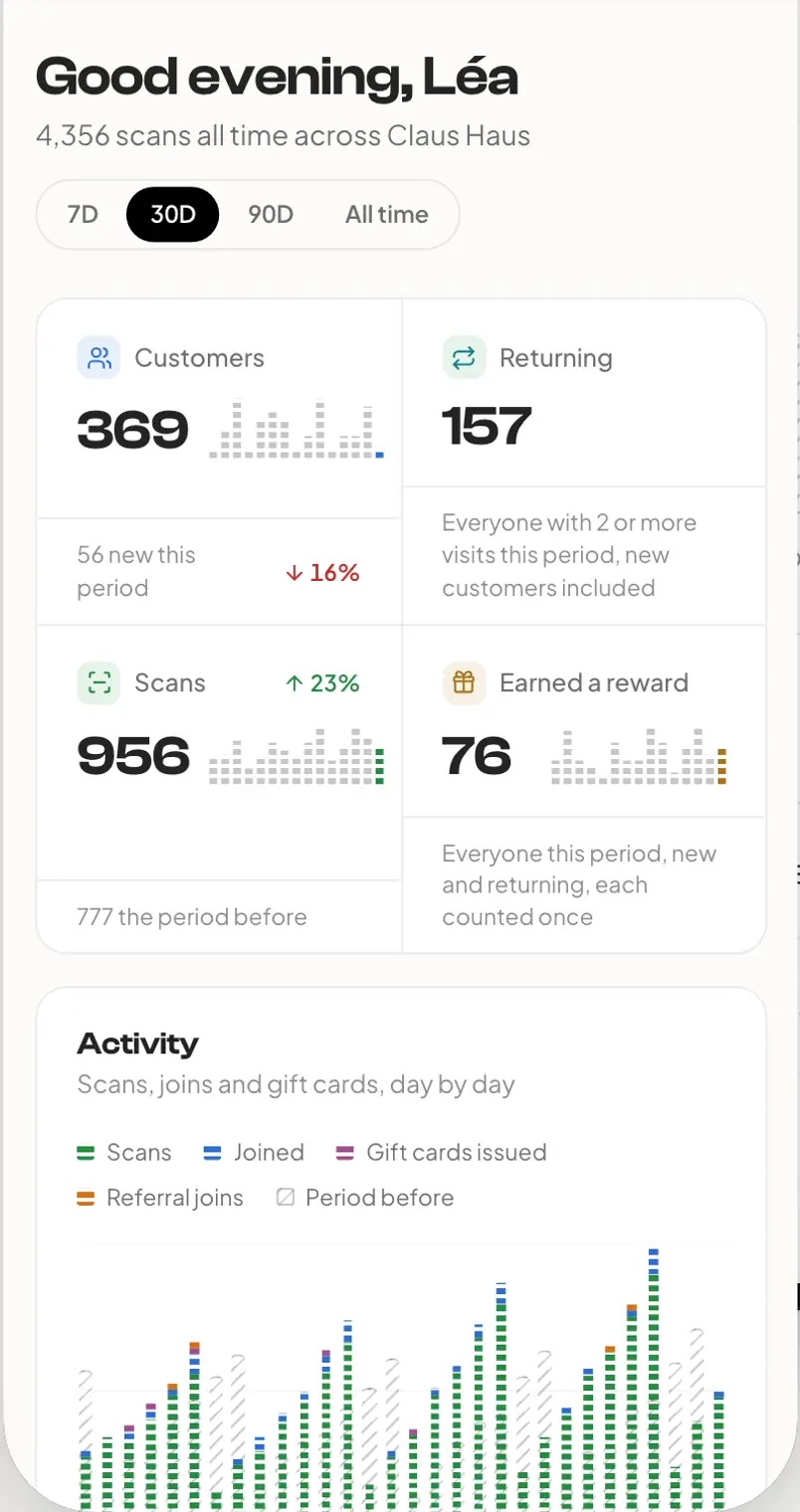
Your whole shop on one screen.
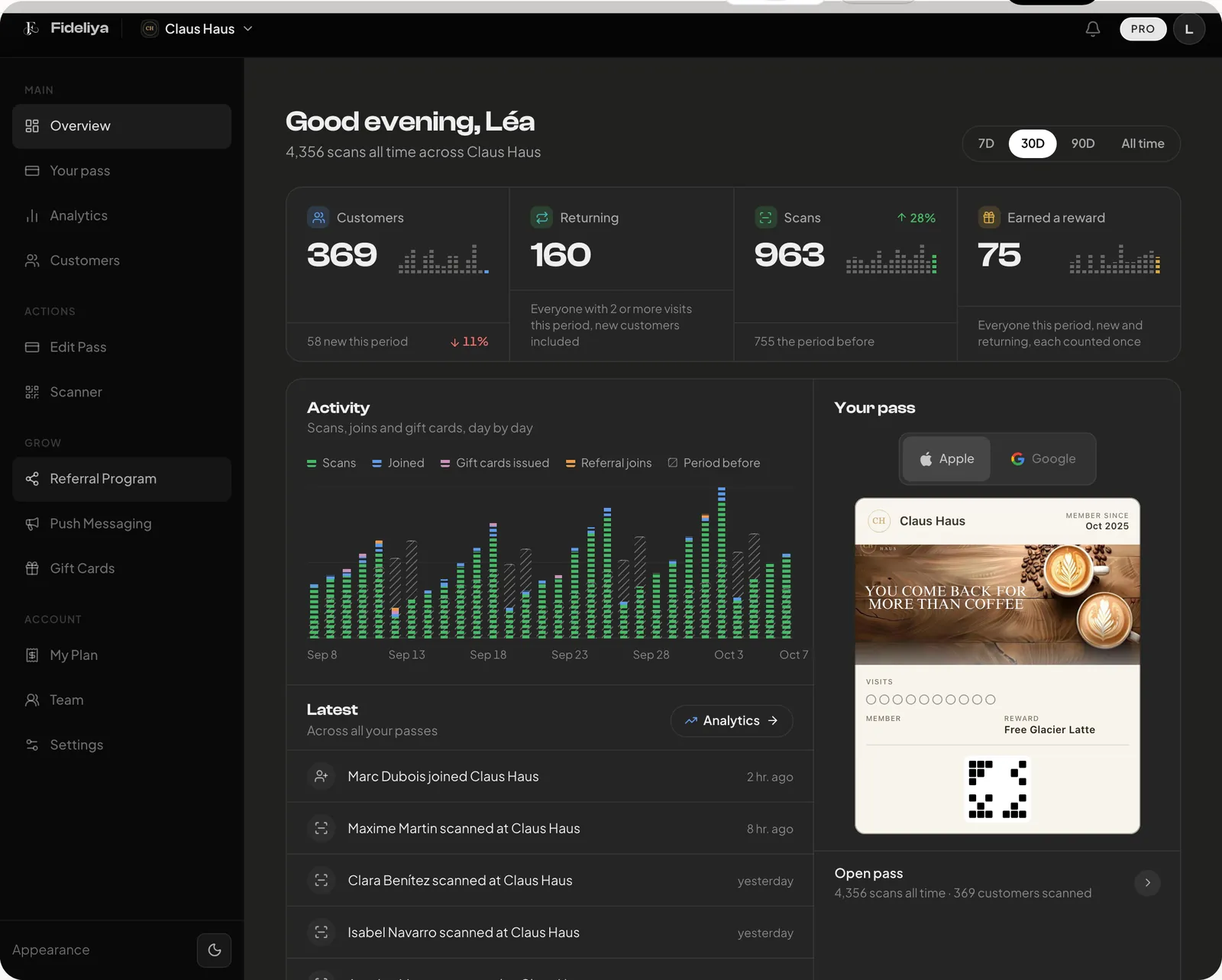
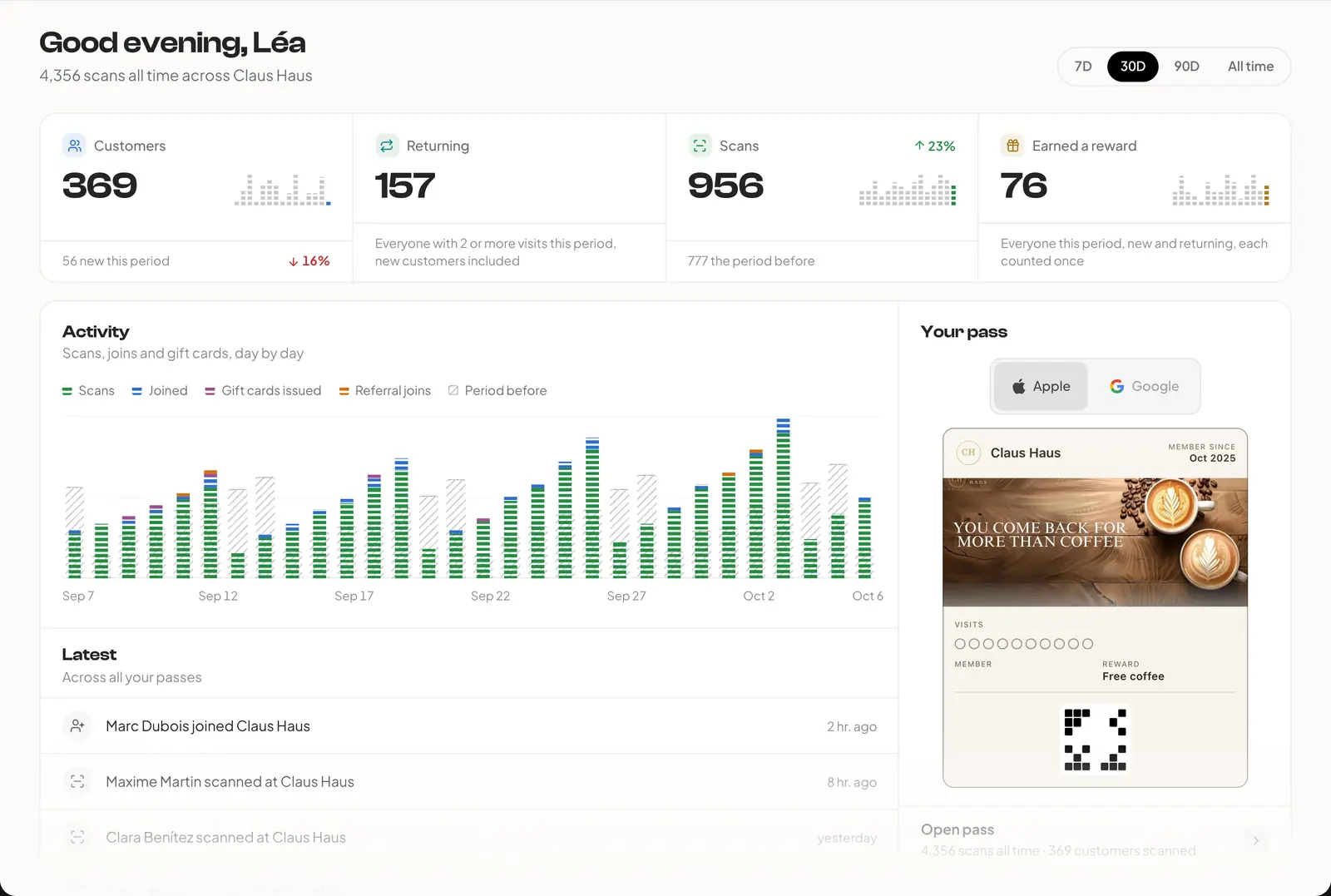
Your figures against the period before, the customers due back by name, and a message to them one tap away.
On every plan
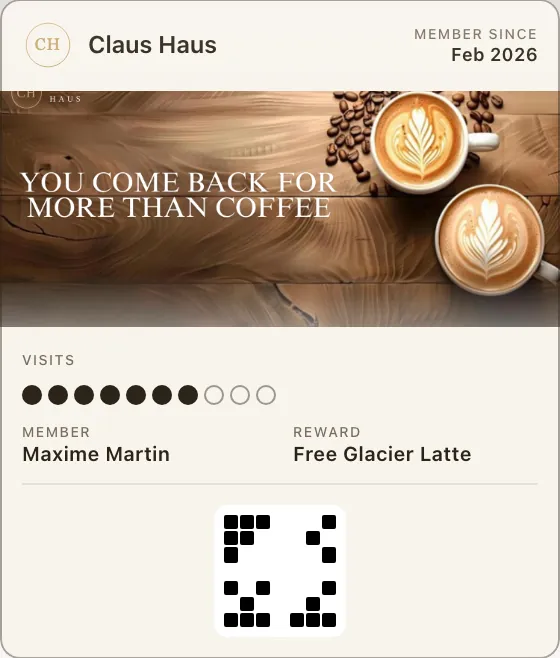
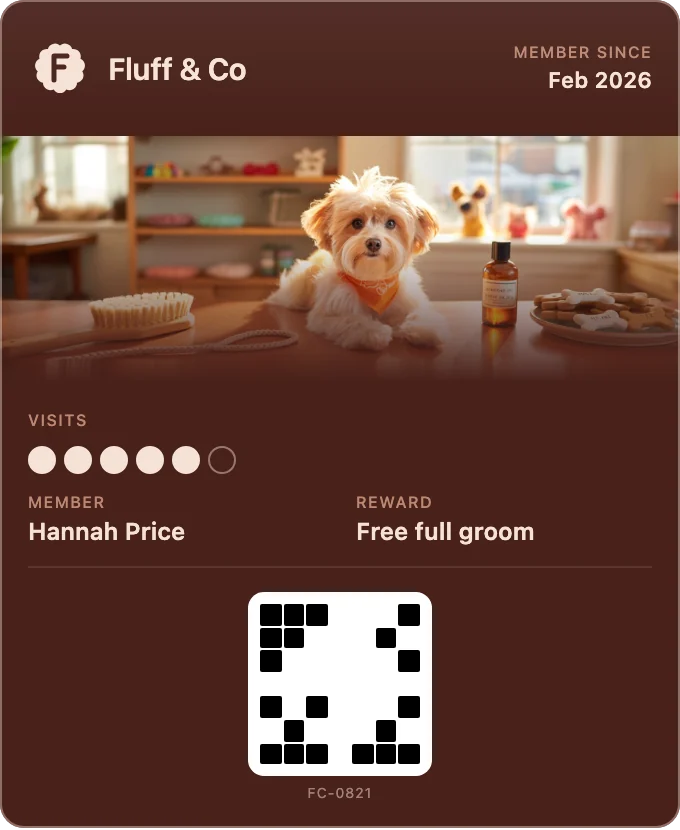
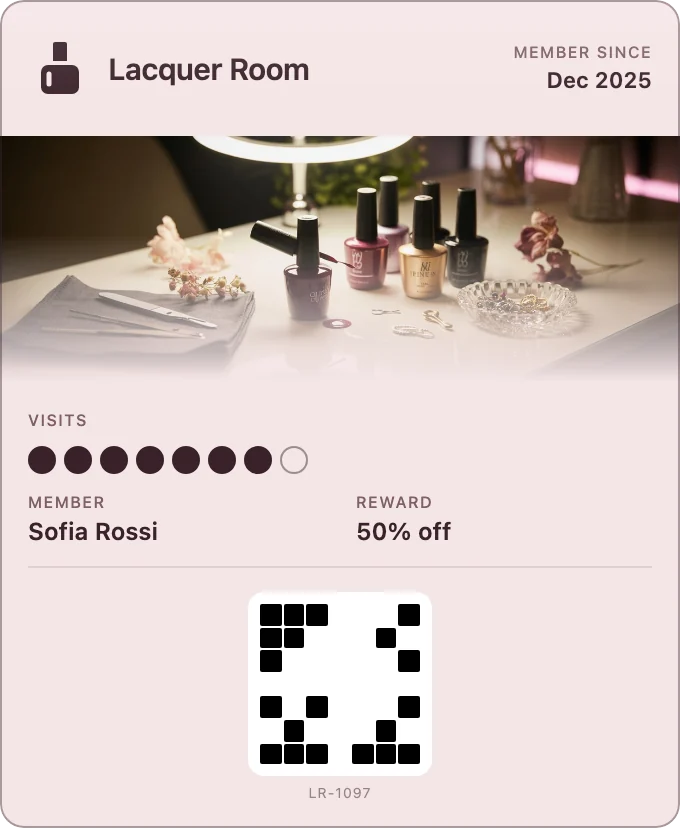
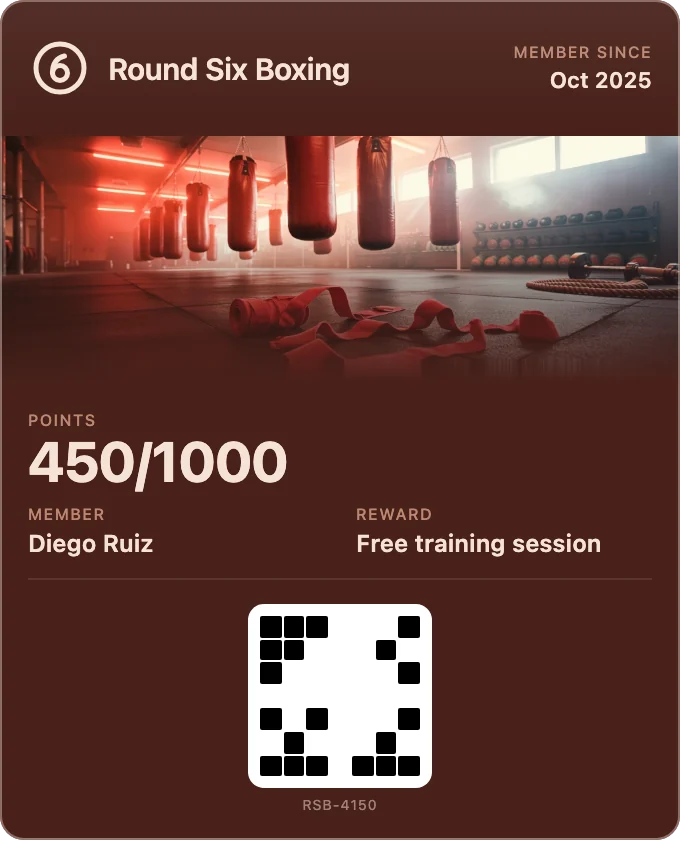
Keep your own colours, or pick one of our 36 ready-made looks.
Swipe or tap a look, or use the arrow keys. Your pass changes as you choose.
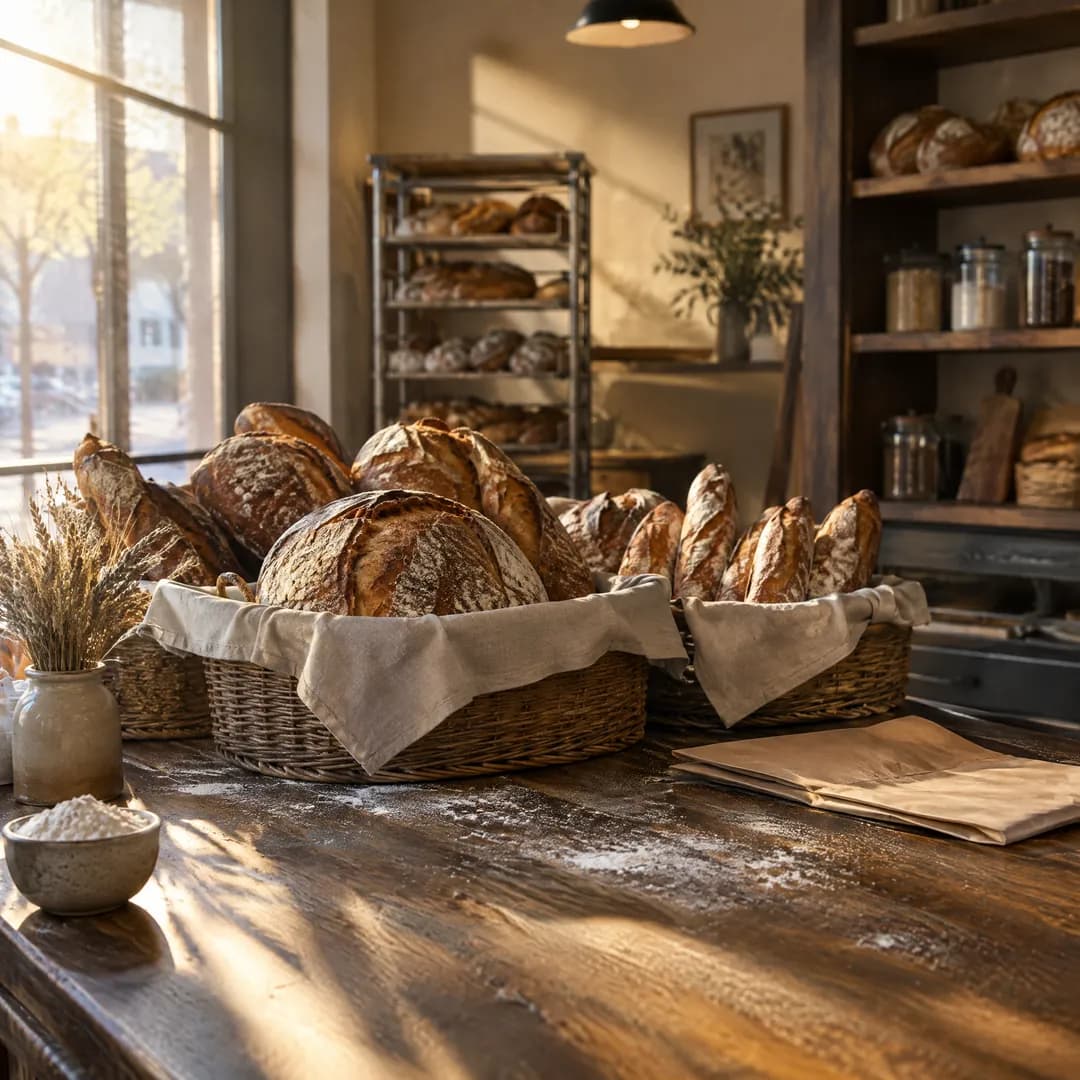
Add your logo and a cover. Or press Generate and try four covers our generator painted for a coffee house.
Your files stay on your device. Nothing is uploaded or stored.
3 options at a time. Covers and the generator are on Pro and Enterprise; your logo is on every plan.


They scan your code, give a name and an email, and tap Add. No app to download, no account or password to create.
On iPhone, one tap on Add and the pass is in Apple Wallet.
On Android, the back of the pass in Google Wallet: the reward, directions once you add your location, and a review link after a first visit.
Nearby. Add your shop's location and the pass can appear on the lock screen near your door. The phone decides when.
After every visit. Each scan updates the pass, and its new line comes up on the lock screen: “10/10 stamps earned”. A ready reward arrives the same way. Google Wallet allows three a day on each pass; Fideliya keeps the last for a ready reward.
Your messages. Your news, now or at the time you pick: to everyone holding your pass, to the regulars you haven't seen lately, or to a few by name.
Broadcasts a month: 1 on Free, 3 on Pro, 10 on Enterprise
The back holds your reward rules, your latest message and, once you add your location, directions to your door.
After a first visit, a link asks for a Google review. Only customers who came in are asked.
A friend scans your customer's pass and joins. On the friend's first visit, both get the bonuses you set.
On Pro and Enterprise
Overview
Who came in today, who's drifting away, and a message to them in one tap.
The real Overview, on sample data, wearing your pass.
Your figures against the period before, the customers due back by name, and a message to them one tap away.
On every plan
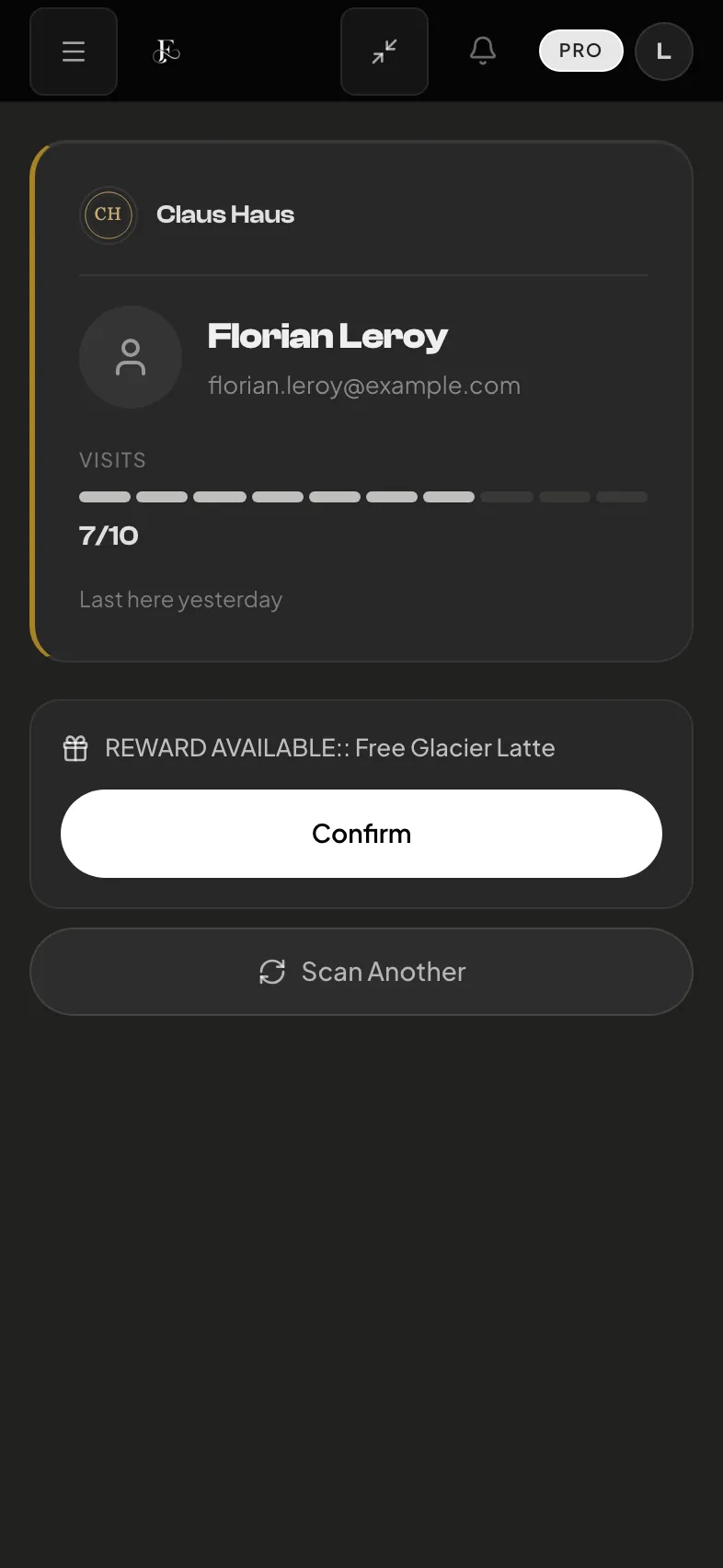
After every scan, the pass shows the new count and says when a reward is ready. Your own message goes to everyone or to the customers you pick, now or at the time you schedule.
Broadcasts: 1 on Free, 3 on Pro, 10 on Enterprise, each month
Every pass carries a referral link. You set both bonuses, and they land on the friend's first visit, so every referral you reward walked in.
On Pro and Enterprise
One pass at all your branches. Add a branch's location and the pass can appear on the lock screen near it; the phone decides when. After a first visit, the pass asks for a Google review.
Locations: 1 on Free, 4 on Pro, unlimited on Enterprise
English, Spanish, French, Arabic, and Italian, with Arabic laid out right to left. The pass, the join page and the dashboard.
On every plan
Curated themes from the first minute. Upload a cover, or describe one and get three options a click, each fitted to both wallets.
Covers, uploaded or generated: On Pro and Enterprise
Seven figures, each against the period before. Your AI assistant can read them too, and it sends a message or a gift card only once you confirm.
On every plan; longer periods and AI assistants on Pro and Enterprise
Gift cards by email, in either wallet, and staff scan them at the counter. On Enterprise, your till can add the visit and take the gift card payment itself.
On Pro and Enterprise
No hidden fees. No credit card to start. Cancel anytime.
Our Story
Fideliya is built for the shops people come back to: one pass in the wallet their regulars already carry.
Read our storyReal humans, real answers, usually within a few hours.
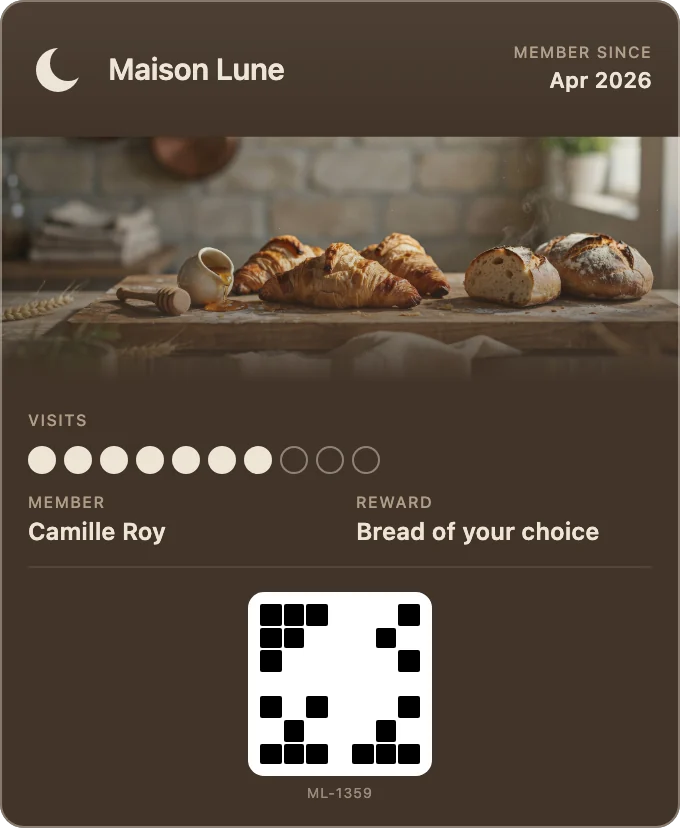
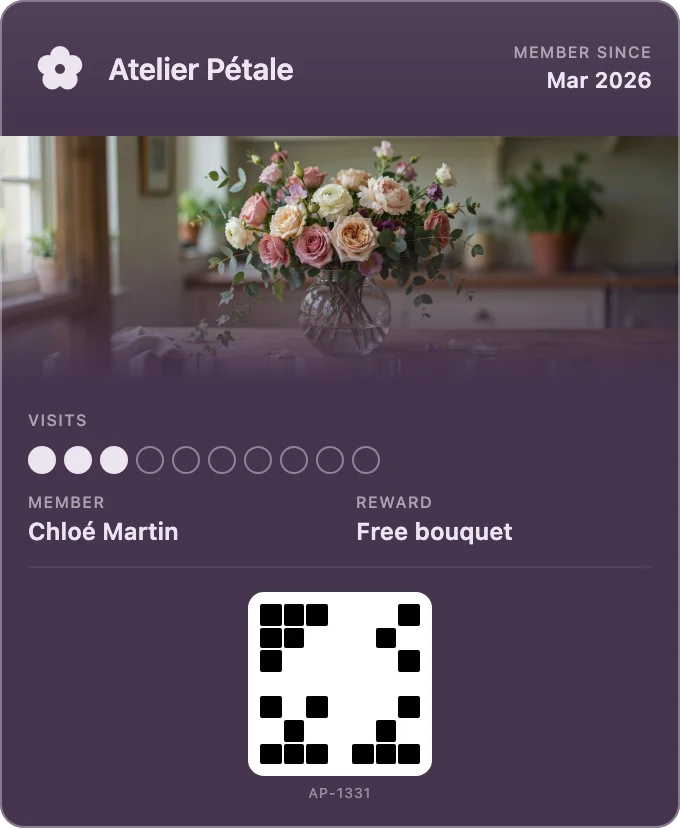
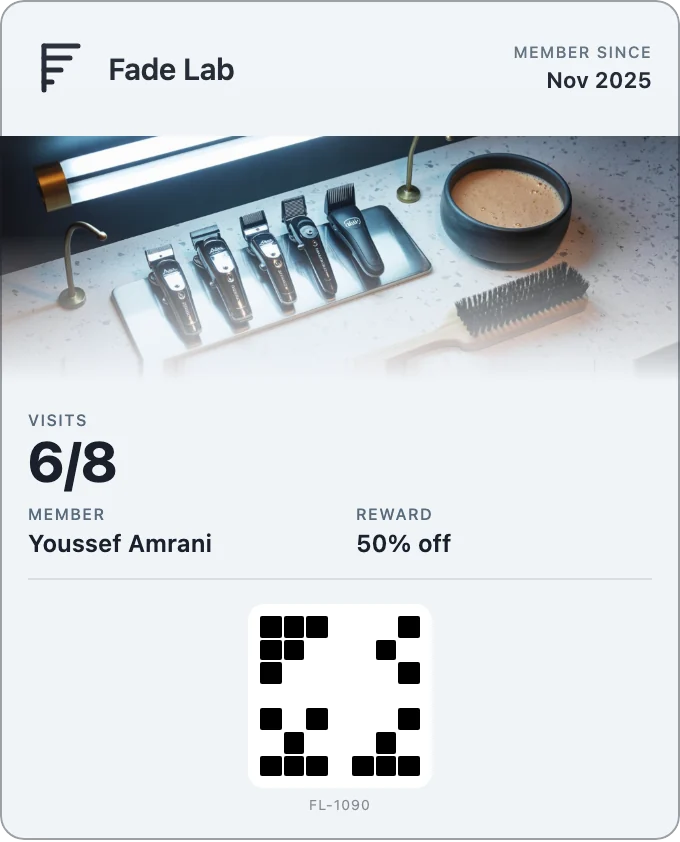
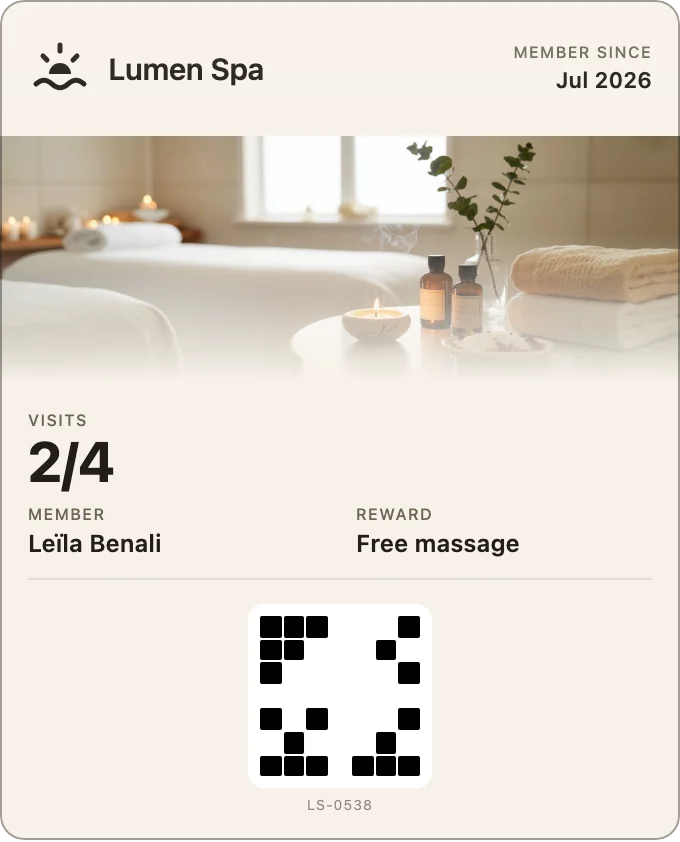
Set up your pass, scan visits, message your regulars, and grow.
Every guideAdding it to your phone, removing it, and what happens to your details.
Answers for pass holdersA loyalty pass your customers keep in Apple Wallet and Google Wallet, so they come back to you again and again. You design it in minutes, your customers add it in one tap, and every visit brings them closer to their reward.
No. They scan your QR code, give a name and an email, and the pass goes straight into the wallet already on their phone: no app to download, no account or password to create.
Every visit brings your customers closer to a reward they can see on their phone, so they choose your shop again. The pass reminds them too: after each visit, when you send a message, and near your door once you add your location.
Yes. The pass lives in Apple Wallet on iPhone and in Google Wallet on Android, the wallet already on your customer's phone.
You can start free, with no credit card, and stay on the Free plan as long as you like. Pro and Enterprise add more customers, more messages and more features when you're ready.
About five minutes: pick your colours, add your logo and your reward, and your pass is ready. Your staff scan passes with the scanner built into Fideliya, in the browser on a phone or tablet, so there is nothing else to buy.
Yes, and they arrive on the pass in their wallet. Write once and send it to everyone, to the regulars you haven't seen lately, or to a few by name, now or at the time you pick.
You do: your customer list, scan history and analytics belong to you, and Fideliya never sells them or shares them. On Pro and Enterprise, you can download your customer list as a CSV file.
It can. Add your shop's location and an iPhone can suggest the pass on the lock screen near your shop, and Google Wallet can send a notification that opens it; the phone decides when.
How the pass appears on the lock screenWrite to us here, by email or on WhatsApp.
We reply within 24 hours
14 days of Pro features from sign-up. No credit card needed.