I run a business on Fideliya
Set up your pass, scan visits, message your regulars, and grow.
Every guideHow it works · 70 sReal humans, real answers, usually within a few hours.
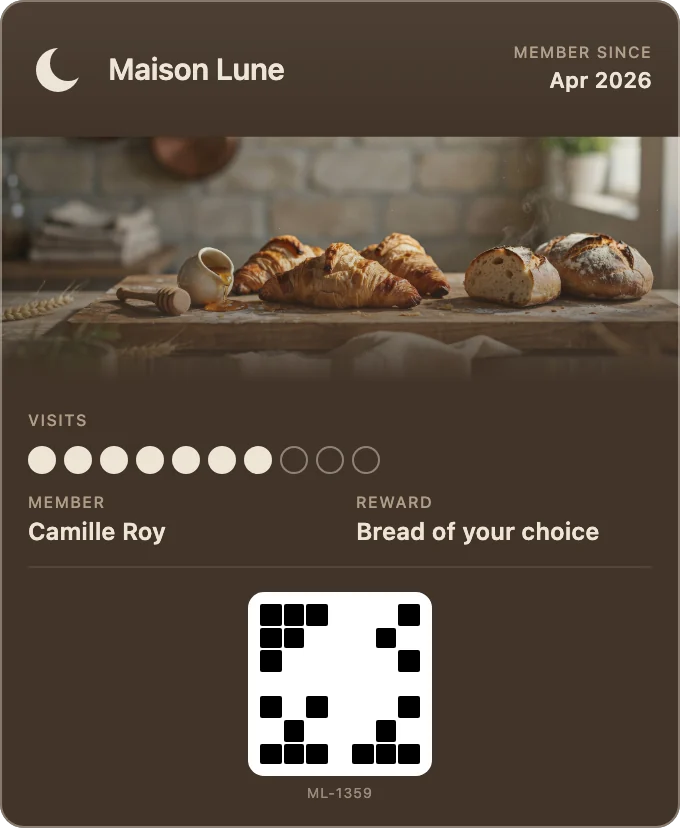
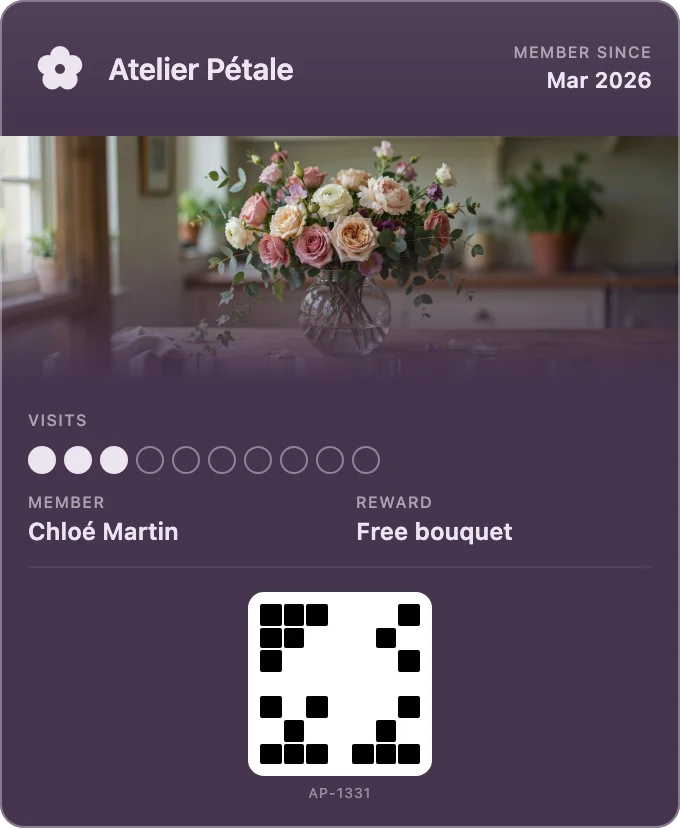
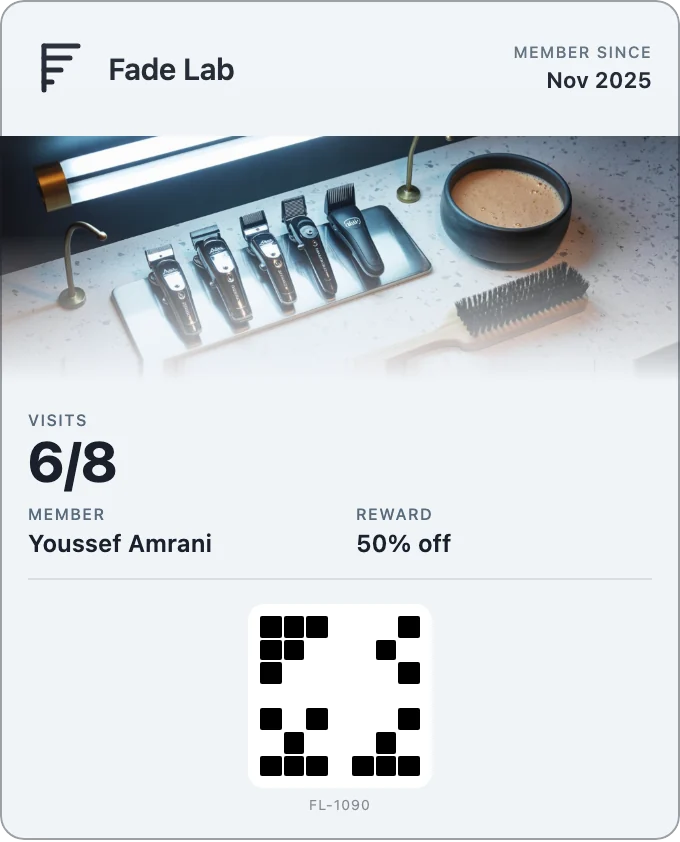
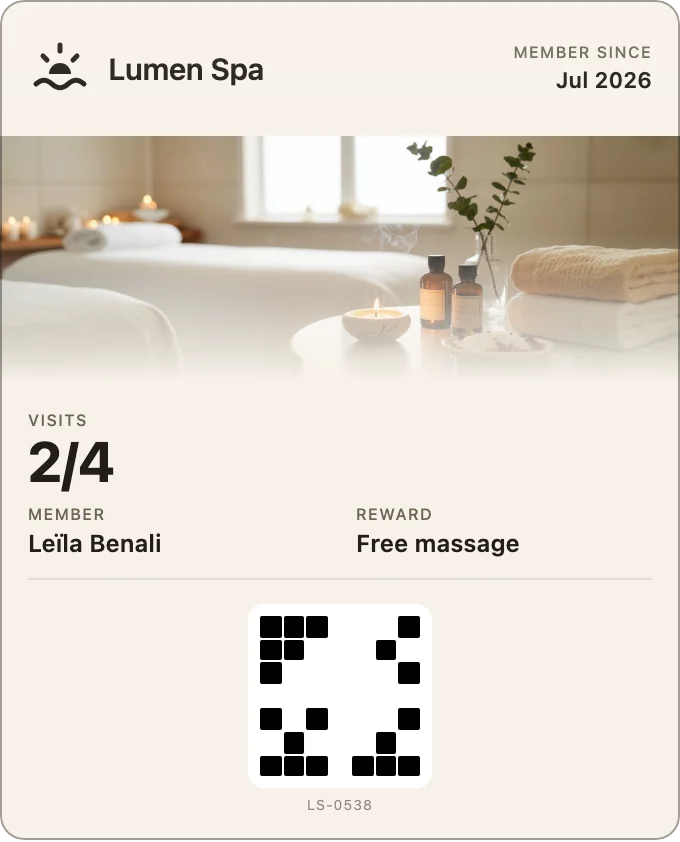
Set up your pass, scan visits, message your regulars, and grow.
Every guideHow it works · 70 sAdding it to your phone, removing it, and what happens to your details.
Answers for pass holdersEvery feature on the product’s own screens, in 70 seconds. Pick a chapter to jump to it.
The film’s chapters
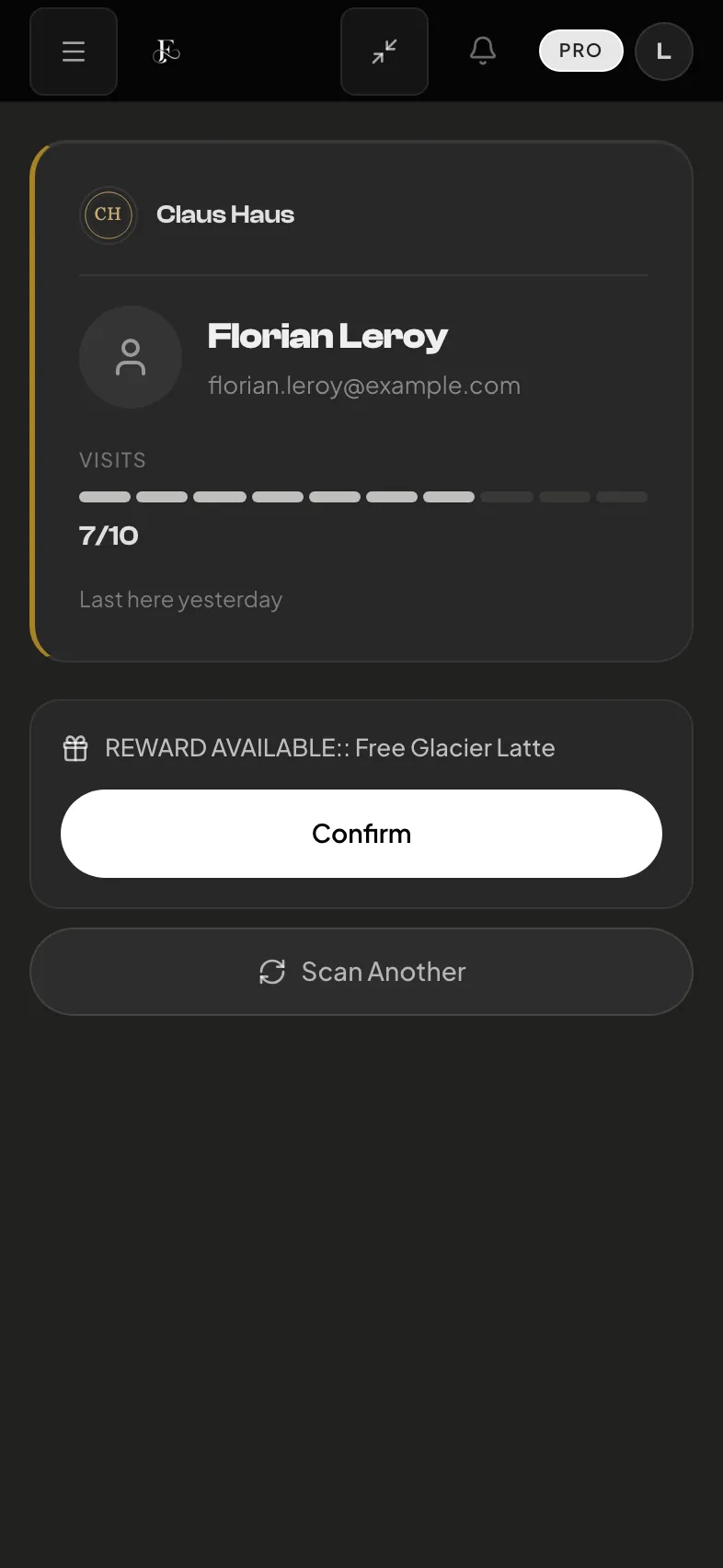
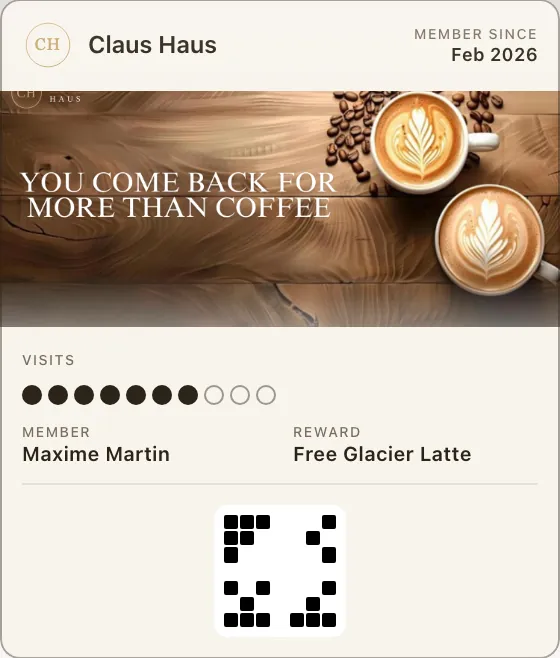
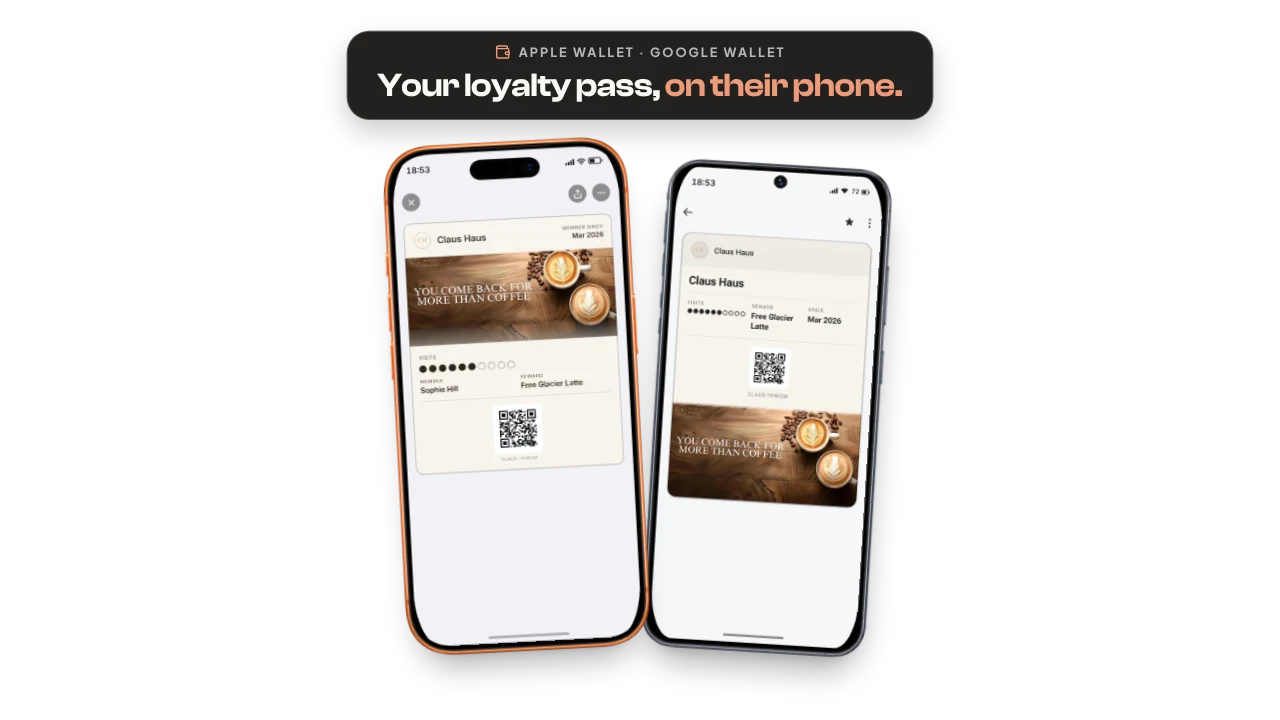
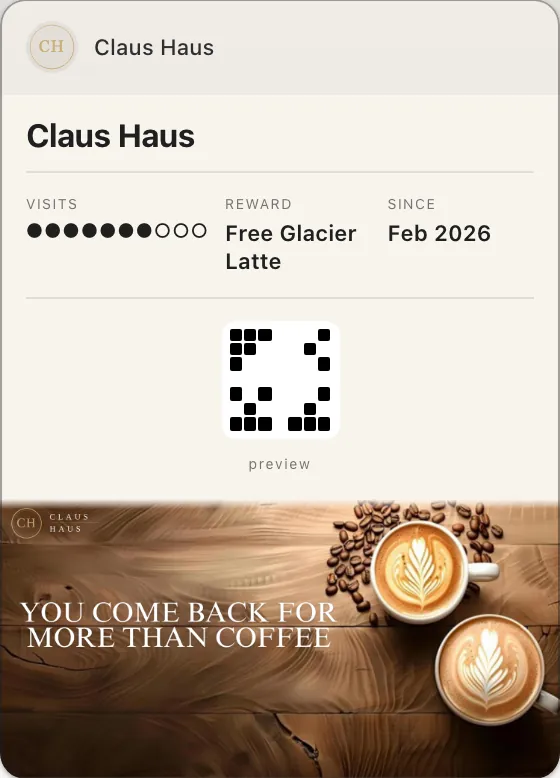
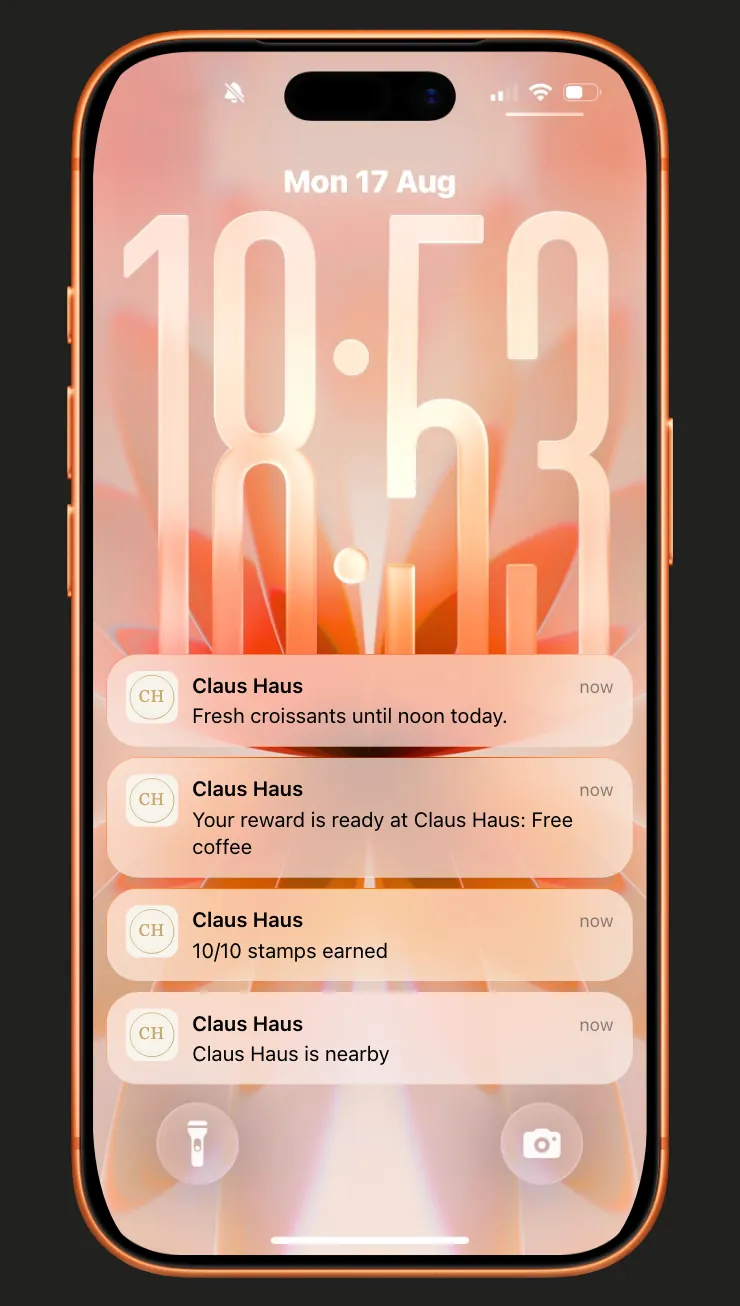
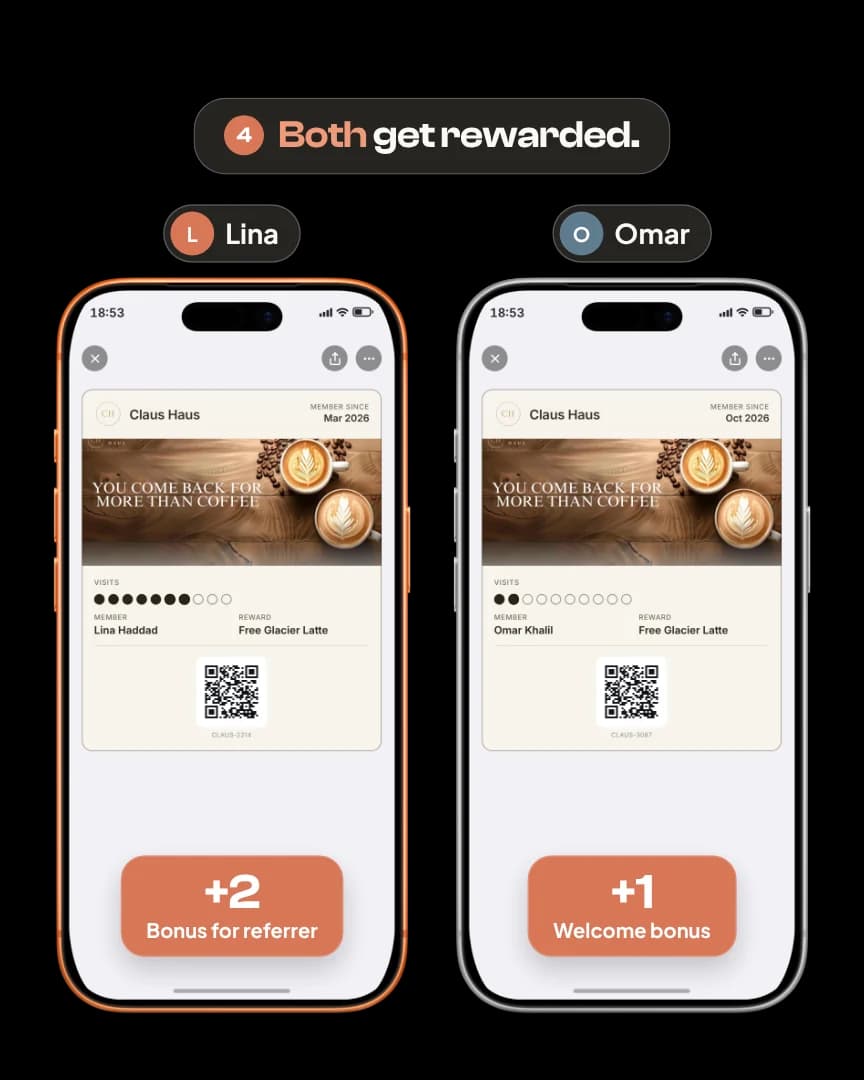
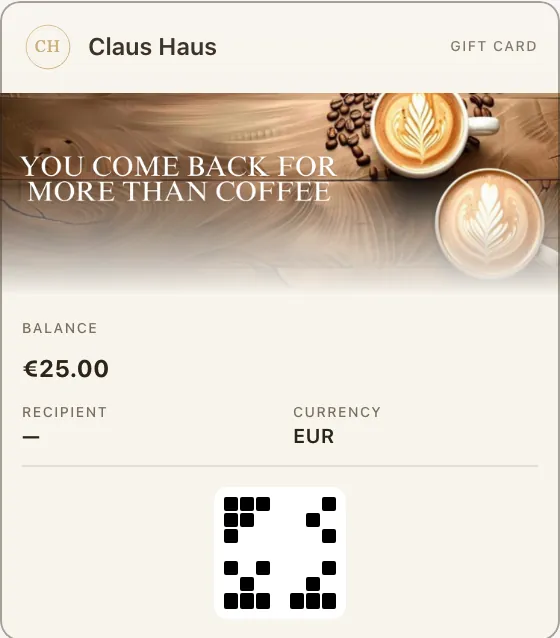
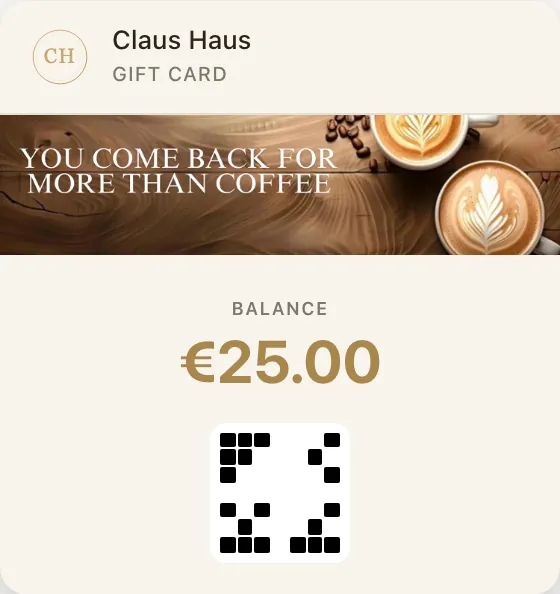
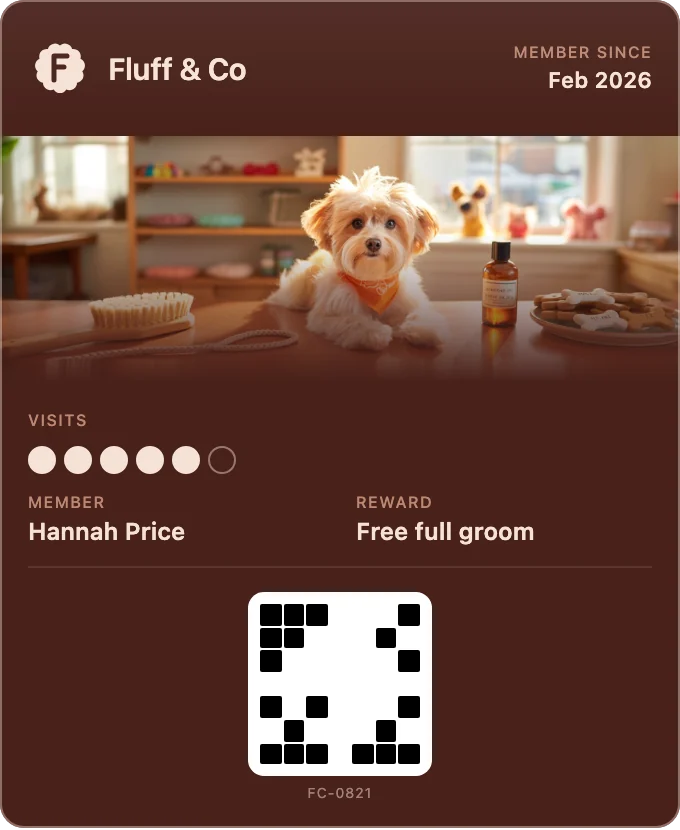
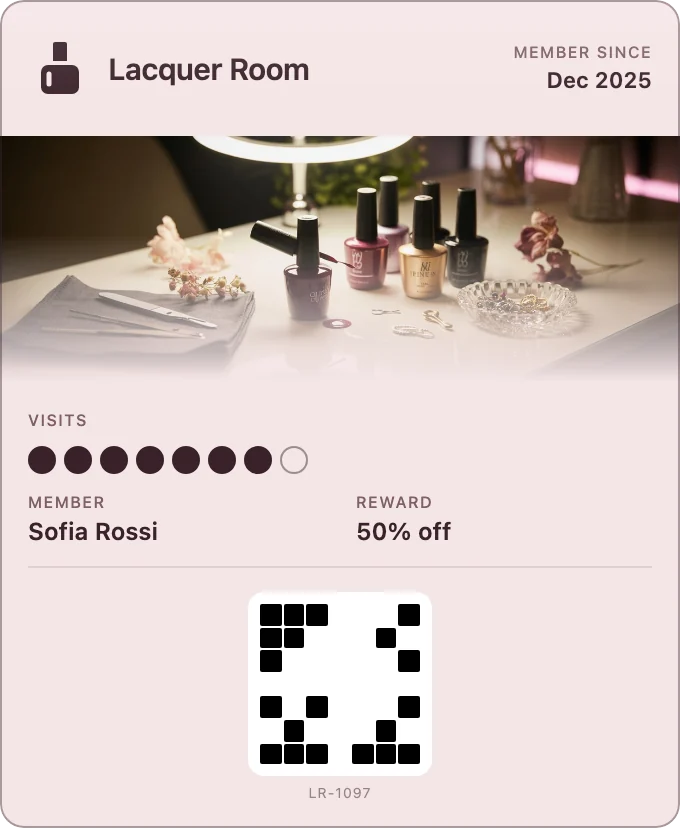
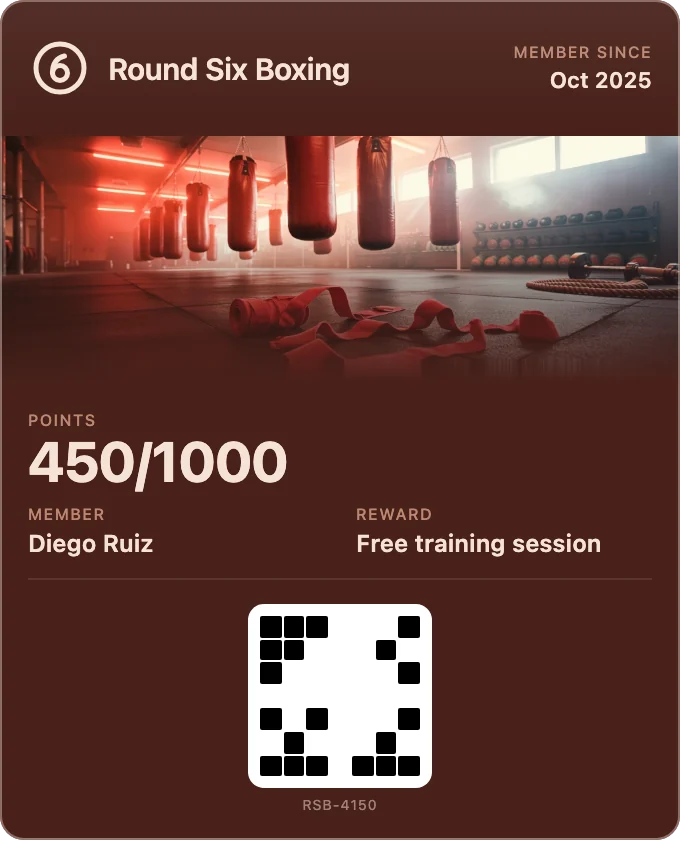
Fideliya on a coffee shop: the loyalty pass in Apple Wallet and Google Wallet, the pass editor, AI covers, stamps or points, the scanner, notifications, push messaging, nearby, referrals, gift cards, team, analytics and five languages.
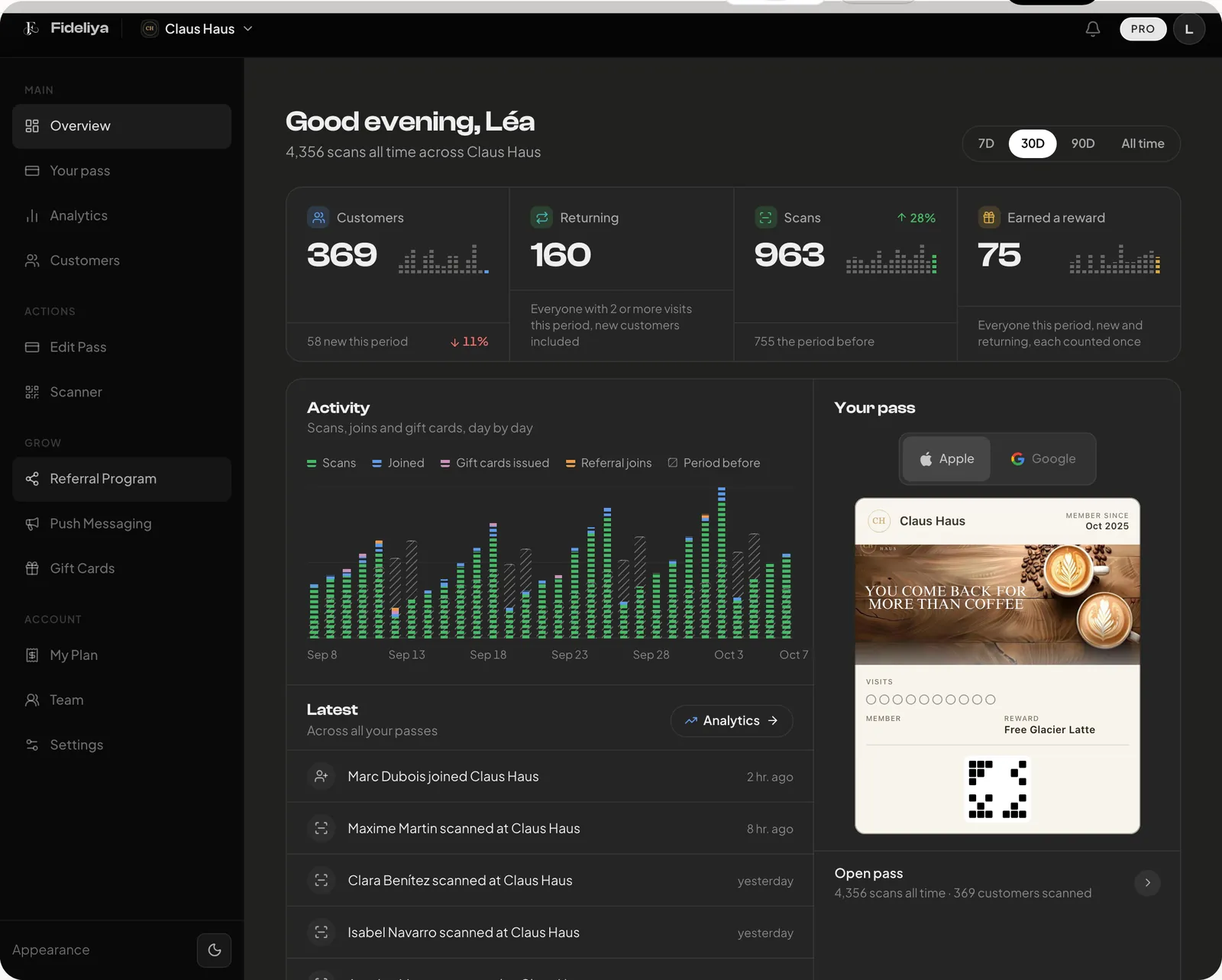
The real dashboard on its demo account, the one-minute film, and your first pass in five steps.
Write to us here, by email or on WhatsApp.
We reply within 24 hours
They just never had the tools to match their heart.
Fideliya is that tool.
We built this because it needed to exist.
The story behind FideliyaFacts checked against the product on 2026-09-21.