Apple Wallet and Google Wallet
Where the pass lives, and when it shows up.
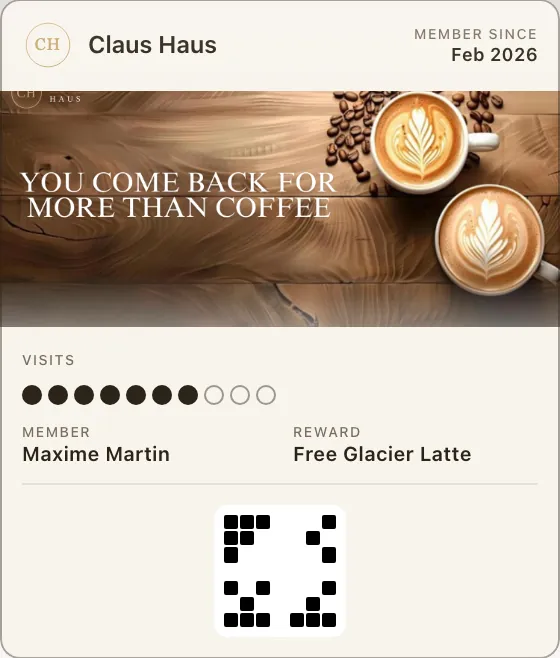 Apple Wallet
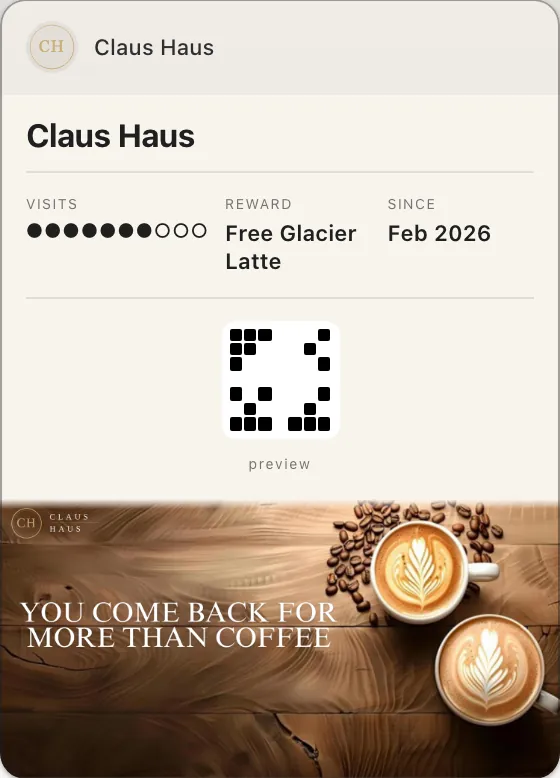 Google Wallet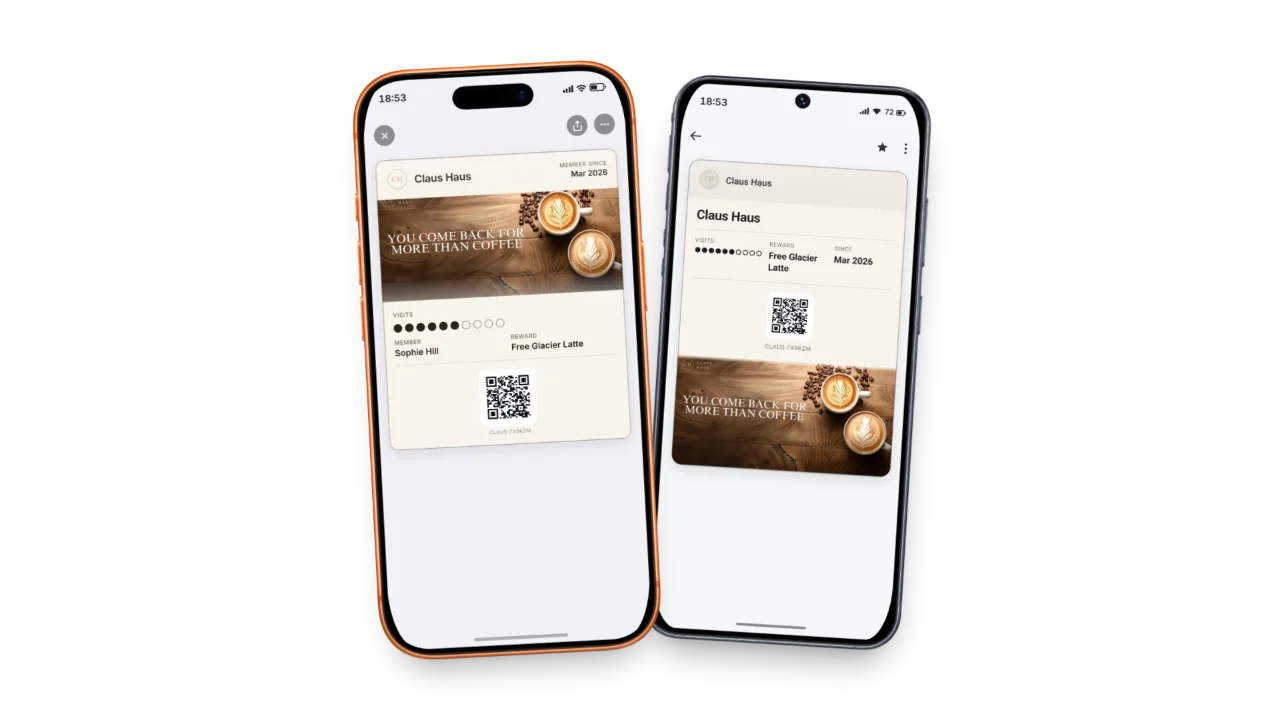
The images on your pass
Apple Wallet
| Image | The wallet’s size | What Fideliya does | Our recommendation |
|---|---|---|---|
| Logo | 50 pt tall, 50 to 160 pt wide (up to 480 x 150 px) | Fideliya fits your logo inside that box and never enlarges it. A dashboard upload is stored at up to 320 x 100 px. | A square PNG on a transparent background, at least 256 x 256 px, the mark filling it. |
| Cover (strip) | 375 x 144 pt (1125 x 432 px) | Fideliya crops your cover to that shape from its centre, and fades its lower edge into the pass. | A landscape photo, JPG or PNG, at least 1125 x 432 px (2250 x 864 frames it exactly), no text, under 4.5 MB. |
| Icon | 38 x 38 pt (114 px) | Made for you from your logo when you have one. It shows on the lock screen next to notifications. | Nothing to upload. A square logo makes the clearest icon. |
Source: developer.apple.com/design/human-interface-guidelines/wallet (opens in a new tab)
Google Wallet
| Image | The wallet’s size | What Fideliya does | Our recommendation |
|---|---|---|---|
| Logo | 660 x 660 px, shown in a circle, 15% margin | Fideliya redraws your logo onto a 660 px square, on your logo’s own background or your pass colour, with the margin Google asks for. | The same file as for Apple. No padding of your own; a transparent background. |
| Cover (hero) | 1032 x 812 px recommended (near square) | An uploaded cover goes to Google as you uploaded it, so a wide picture shows wide. A banner made in Fideliya gets its own 1032 x 812 px composition. | One upload serves both wallets. Keep the subject in the middle band, so it reads in both shapes. |
| Icon | None | Google Wallet passes have no separate icon. | Nothing to do. |
Source: developers.google.com/wallet/retail/loyalty-cards/resources/brand-guidelines (opens in a new tab)
Do my customers need to download an app?
No. They scan your QR code, give a name and an email, and the pass goes straight into the wallet already on their phone: no app to download, no account or password to create.
Will my loyalty pass show up when customers walk past my shop?
It can. Add your shop's location and an iPhone can suggest the pass on the lock screen near your shop, and Google Wallet can send a notification that opens it; the phone decides when.