Getting started
Your first pass, the trial, what you need.
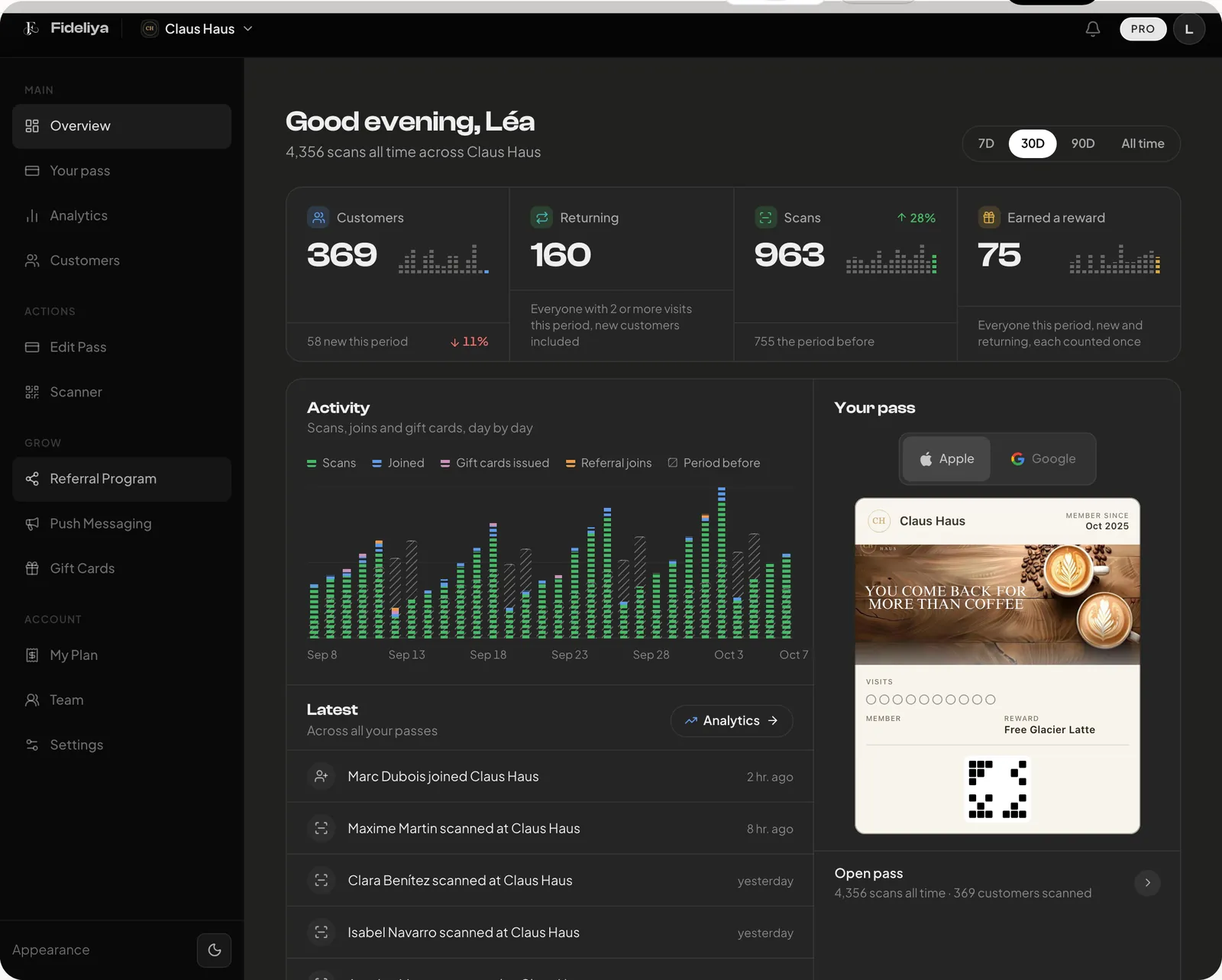
How do I create my first pass?
From your dashboard, click Create Pass in the sidebar. Pick a design template, add your logo, set your reward rule ('buy 10 get 1 free' or similar), and save. Your pass is live. Share the QR code on your counter, in an email, or anywhere customers can scan it.
How long does it take to set up?
About five minutes: pick your colours, add your logo and your reward, and your pass is ready. Your staff scan passes with the scanner built into Fideliya, in the browser on a phone or tablet, so there is nothing else to buy.
Is there a trial, and does it need a card?
Every new account opens with 14 days of Pro features. No card, no checkout, nothing to cancel. The caps stay at Free during the trial: 20 customers, one location. So the trial shows you what Pro does, not how much it holds. When it ends the account settles on Free until you choose to pay.