When a regular comes back, your loyalty program knows it first: the scan at the counter records the visit and the pass in their Apple Wallet or Google Wallet updates. Webhooks make sure your own systems know it too, the same second. Your CRM, your books, the screen in the back office: each one hears about the visit, the reward and the gift card payment without anyone copying a figure by hand.
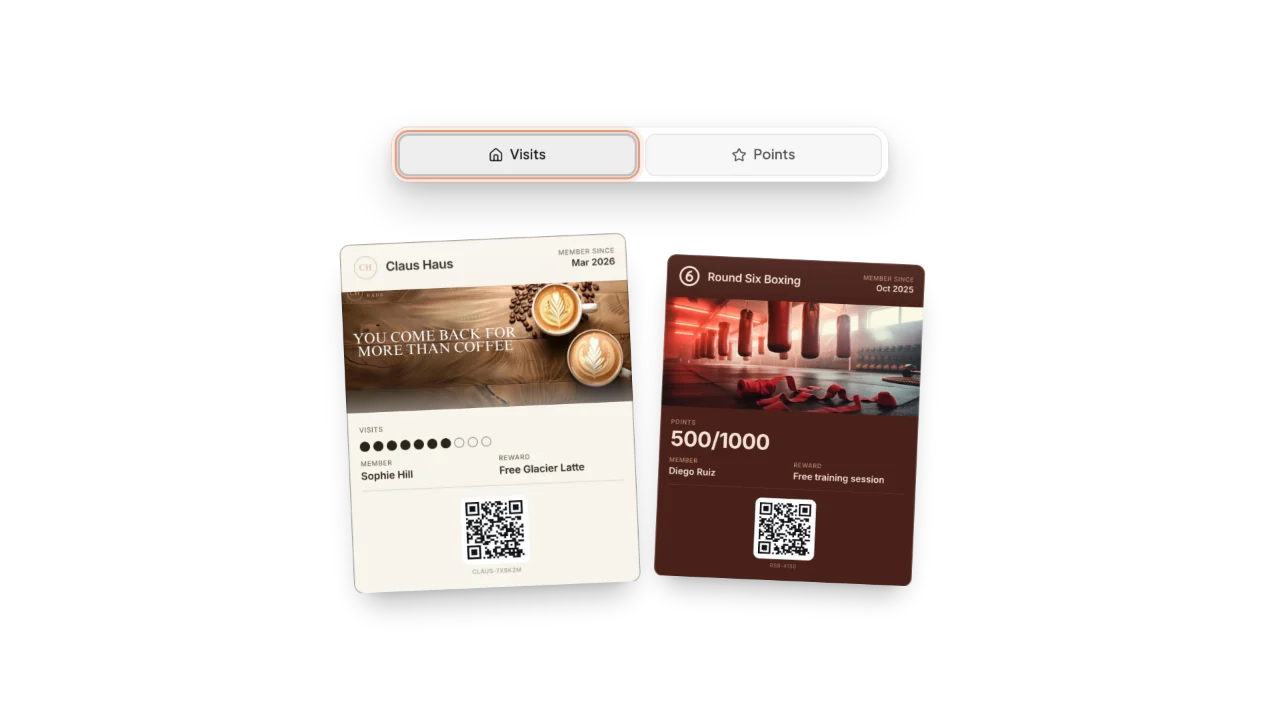
A scan at the counter adds a stamp or points, and the pass updates on the customer’s phone.
What is a loyalty program webhook?
A webhook is a short message Fideliya sends to an address on your own server the moment something happens in your program. Your developer adds the address in your Fideliya dashboard and picks the events it should receive. From then on, each time one of those events happens, Fideliya posts it there as JSON: what happened, when, for which business, and the details that go with it.
Nothing changes for your customers. They join by scanning the QR code at your counter and giving a name and an email, and the pass lands in Apple Wallet or Google Wallet, with no app to download and no account or password to create. The webhooks run between Fideliya and your systems.
Every event Fideliya sends
These are the ten events, under the exact names your developer subscribes to.
| Event | When it is sent | What it tells you |
|---|---|---|
customer.created | A customer joined one of your passes | Who joined: their name, their email, their phone if they gave one, which pass, and which wallet it went to |
scan.recorded | A pass was scanned at the counter: a visit, points, a reward redeemed or a reward claimed | Which customer, what the counter did, the new count, the rewards ready, the counter it happened at, and the amount typed with a points scan |
scan.voided | A scan was undone at the counter within seconds of it, because it was a mistake | What was undone (a visit, a reward given, a points reward claimed or a gift card payment) and the count or balance after the undo |
milestone.reached | A customer reached a reward | Who, the reward’s name, and how many rewards they have reached on that pass in all |
referral.completed | A referred friend made their first visit, so both earned their bonus | Who brought whom, and the bonus each one earned |
gift_card.sent | A gift card email was accepted for delivery, when issued or sent again | The recipient, the amount, the balance, the currency, and whether it was a resend |
gift_card.spent | A payment was taken from a gift card, at the counter or through the API | The amount taken, the balance left, the counter, your till’s own reference when it gave one, and whether the scanner or your system took it |
pass.created | A new pass design was created | The pass, its style, stamps (visits) or points, and the goal to a reward |
subscription.created | Your Fideliya subscription started | The plan, its status, the current period, and whether it is a trial |
subscription.cancelled | Your Fideliya subscription was cancelled | When it was cancelled |
The two subscription events are account events: every endpoint on your account receives them, whichever business it belongs to.
Two more your developer will meet
webhook.test is what the Send test event button in your dashboard sends: it is never the result of a real action, so your developer can check the connection without a customer at the counter. webhook.ping is a health check Fideliya sends to an endpoint it had to pause; your server only has to answer it with a success.
Four things to build with webhooks and your own systems
None of these needs anything beyond Fideliya’s webhooks and the systems you already run.
- A thank-you from your own CRM when a regular reaches a reward. Keep each
customer.createdin your CRM under its customer id. Whenmilestone.reachedarrives with the same id and the reward’s name, your CRM sends the thank-you you wrote, from your own address. The message and its timing are yours. - Gift card sales that reconcile themselves. Each
gift_card.spentcarries the amount, the balance left, the counter and, when your till took the payment through the API, its own ticket number. Match it against the day’s receipts and the gift card line of your books closes without a manual count. A payment undone at the till follows asscan.voided, so the undo lands in the same ledger. - A screen of scans per branch.
scan.recordednames the counter each scan happened at. Count them per location through the day and you have a live board of how each branch is doing, withscan.voidedtaking back the mistakes. - A thank-you list for your team.
referral.completednames the customer who brought a friend. A list in your own system tells your staff who to thank in person on that customer’s next visit.
How deliveries behave
Every delivery is signed with your endpoint’s secret, in the Standard Webhooks format, so your system can check it came from Fideliya before trusting it. Each event carries an id that stays the same on every attempt: store it, and you never count the same visit twice.
If your server is down or answers with an error, Fideliya tries again, spacing the attempts out over about a day. An endpoint that keeps failing for days is paused. Fideliya then checks it with webhook.ping, and after two successful answers in a row it resumes the endpoint and replays what it missed.
Which plan, and where your developer starts
Webhooks come with the Enterprise plan, from €99.99 a month or €79.99 a month billed yearly, along with Fideliya’s API, unlimited customers and locations, and 10 team seats. The full reference, with every field of every event, an example of each and its JSON Schema, is in the webhooks documentation.
If your till should also write to your program, recording visits and taking gift card payments, that is the API: what it changes for an owner is in what a public API changes for a small loyalty program, and the short version is on connecting Fideliya to your till. Every plan and price is on the pricing page.