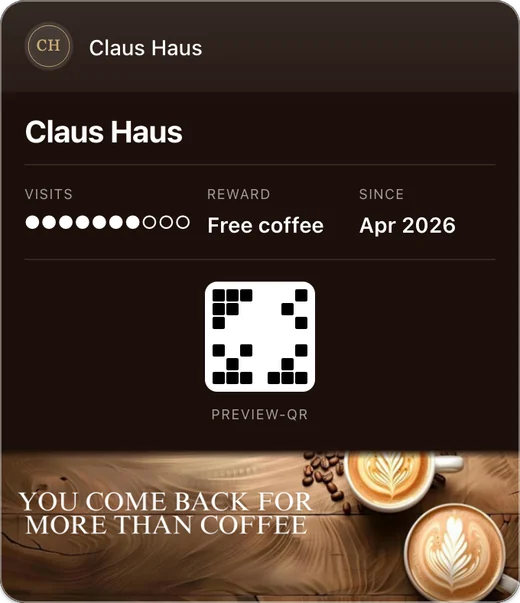
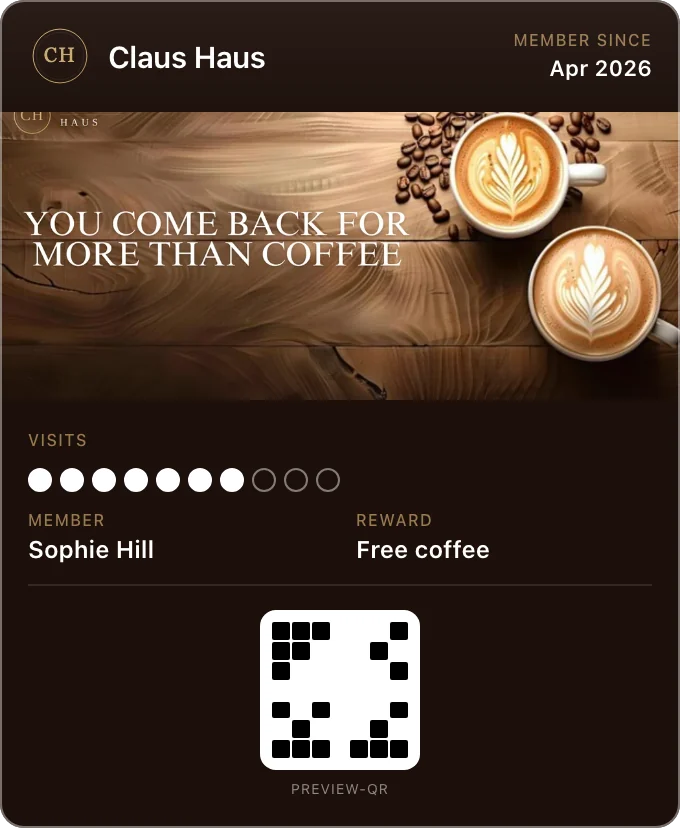
Pin your shop’s address once in Fideliya, and your loyalty pass can appear on a customer’s phone when they are near the shop: a reminder to come back, without you lifting a finger. On iPhone it is a lock-screen suggestion with a line that names your business, such as "Café Lina is nearby"; on Android, a Google Wallet notification that opens the pass. The phone decides when.
Bring your customers back without lifting a finger: pin your shop once, and your pass can appear on their phone when they are near it. On every plan.
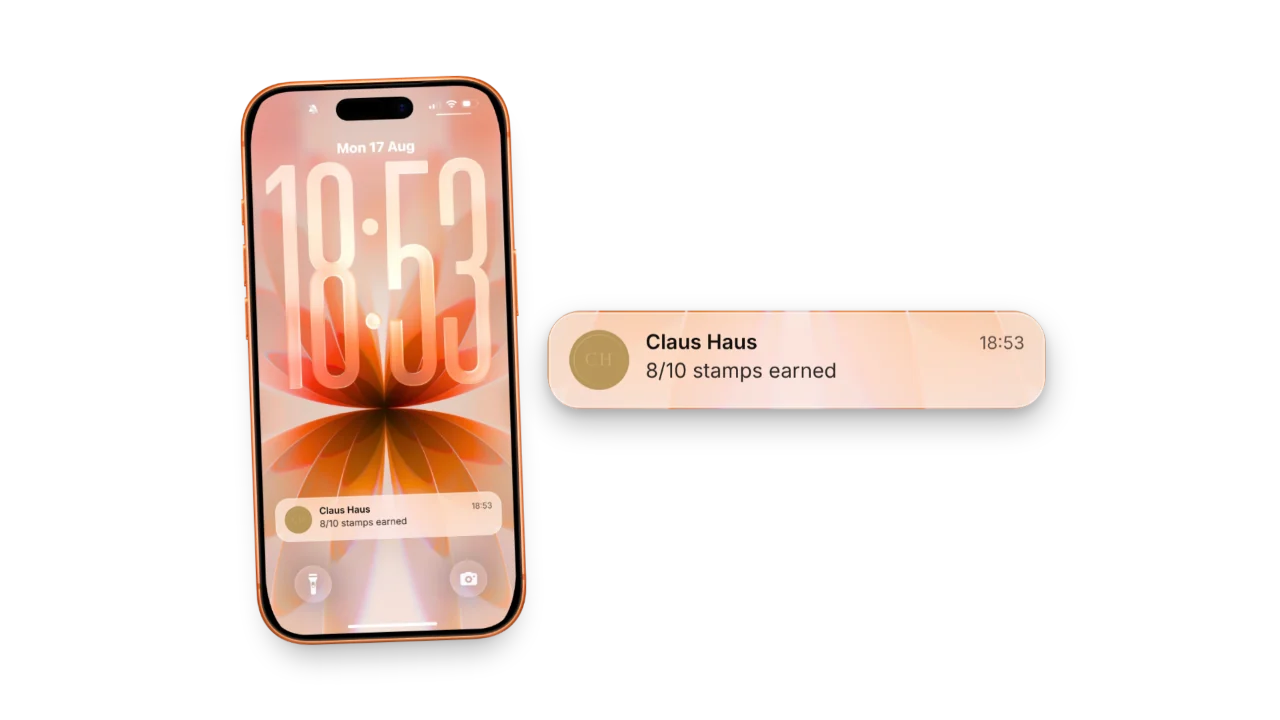
Bring your customers back without lifting a finger
Set it once, every pass carries it
The address you pin goes into every pass, up to ten branches, and passes already out pick it up at their next update.
On iPhone, your name on the lock screen
Near a pinned branch, iOS can suggest your pass with a line such as "Café Lina is nearby", in the pass’s language.
On Android, a notification that opens your pass
Google notifies customers who allow notifications and precise location, at a distance Google sets.
Directions to your door on iOS 27
When Apple Maps recognises your main branch, the pass carries a Go to Location button; otherwise a Find Us link on the back.
On every plan, Free included
Free covers one location, Pro four, Enterprise as many as you run; a pass carries up to ten.
The moment
A regular walks past your door at 8:10 with your pass in their wallet. If you have pinned your address, their phone can put your pass in front of them before they reach the counter: on an iPhone as a suggestion on the lock screen, on Android as a notification from Google Wallet. Nothing is sent by you, and nothing is promised.
How it works
When you pin a branch, at the "Where is your shop?" step when you create your pass or later on the pass’s locations page, Fideliya writes that point into the pass: up to ten branches, the main one first. On iPhone each point carries a short line in the pass’s own language, such as "Café Lina is nearby". On Android the same points go to Google Wallet as merchant locations. The phone compares its own position with those points; Fideliya takes no part in that check.
Go to Location, and Find Us
On iOS 27 and later, when Apple Maps recognises your main branch, the pass carries a Go to Location button that opens Maps. Every other pinned pass carries a Find Us link on its back, so no customer is left without a way to reach you.
What the customer controls
On iPhone, the customer can turn off the lock-screen suggestion for your pass, and Location Services has to be on. On Android, Google sends the notification only to people who have notifications on and have given Google Wallet precise, always-on location access.
What it cannot promise
iOS and Google decide when the pass appears, and neither publishes the distance; Google also decides how long someone has to stay nearby. So it will not happen on every walk past. The walk past is never reported to you or to Fideliya, so the customer's whereabouts stay their own. It is a reminder that can happen, and it costs the customer nothing to ignore.
Setting it up
Pin your address at the "Where is your shop?" step when you create your pass, or on the pass’s locations page at any time. Customers who already hold the pass pick up the pin at its next update, usually their next stamp. If you re-pin a branch, clear its pin or switch it off, the pass changes the same way. Running more than one branch: loyalty for multiple locations.
Simple, transparent pricing
Turn visitors into regulars. Start free.
Free
€0.00/ month
1 business · 1 active pass · 20 customers
Pro
€49.99/ month
1 business · 1 active pass · 2,500 customers · 4 locations
Enterprise
€99.99/ month
1 business included, up to 5 · 1 active pass each · Unlimited customers · Unlimited locations
- No credit card required
- Cancel anytime
Frequently asked questions
No. iOS and Google decide when, and neither publishes the distance. The pass can appear near a pinned branch; it is not guaranteed to.
Keep the pass in their wallet. On iPhone the suggestion is on unless they turn it off for your pass; on Android they need notifications on and precise, always-on location for Google Wallet.
Every plan, including Free. Plans differ in how many locations you can add: one on Free, four on Pro, as many as you need on Enterprise. A pass carries up to ten.
No. The nearby suggestion happens on the phone: it compares its own position with the branch points on the pass, and that position is never sent to Fideliya. What Fideliya records is which of your branches a customer joined at, from that counter’s QR code, and which branch a visit was scanned at when your staff choose it in the scanner, the way a till records which shop made a sale.
No. A broadcast goes to everyone holding the pass, to customers seen in the last 30 days, to those not seen for over 30, or to people you name, never by place.
If it moves, re-pin it on the pass’s locations page. If it closes, switch it off there: the pass drops it at its next update, usually the customer’s next stamp, so a closed shop stops appearing, and the branch keeps its history.
Ready to get started?
Create your first loyalty pass in minutes. No credit card required.
Related articles
Wallet loyalty passes: 20 questions answered
Know exactly how Apple Wallet and Google Wallet loyalty passes work: twenty questions answered from Apple’s and Google’s own developer documentation.
More Regulars: Apple & Google Wallet Loyalty
Apple Wallet and Google Wallet loyalty cards bring your customers back, with no app to download. What they see, what staff do, how to launch in an hour.
Win Regulars With Apple Wallet Loyalty Cards
Put your loyalty card in Apple Wallet and win more regulars, with no app to download. How the pass works, what customers see, and what it costs.