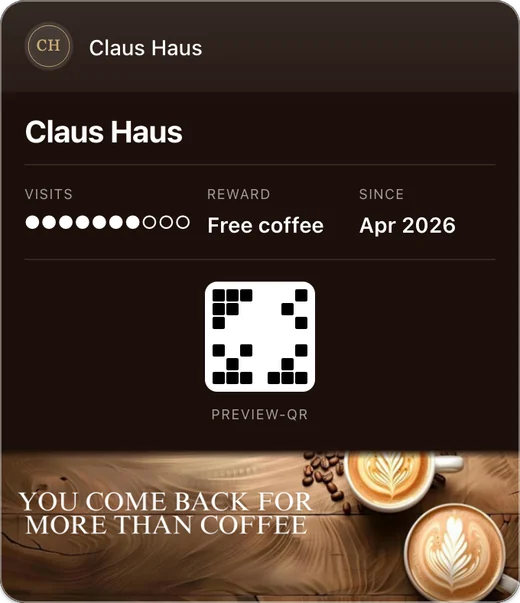
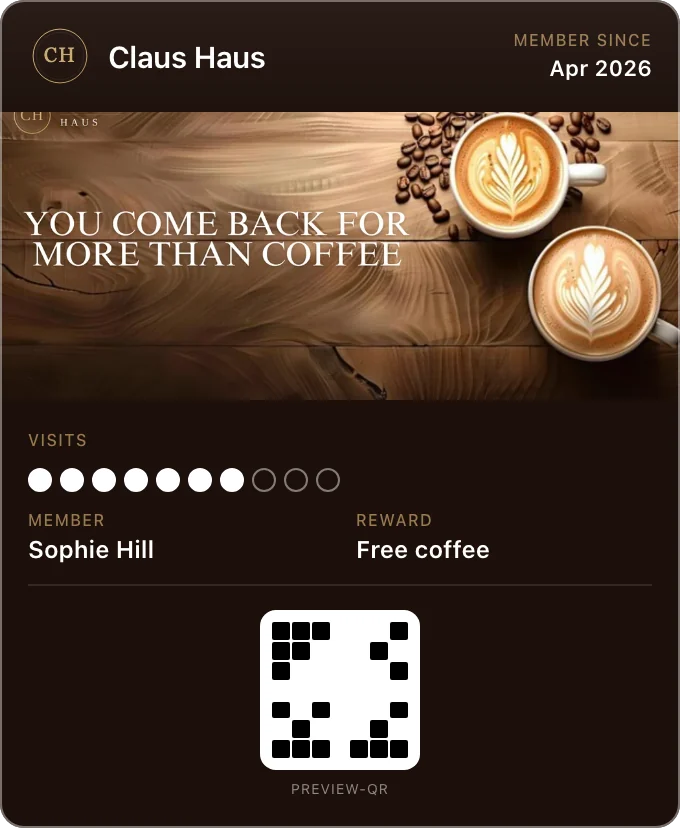
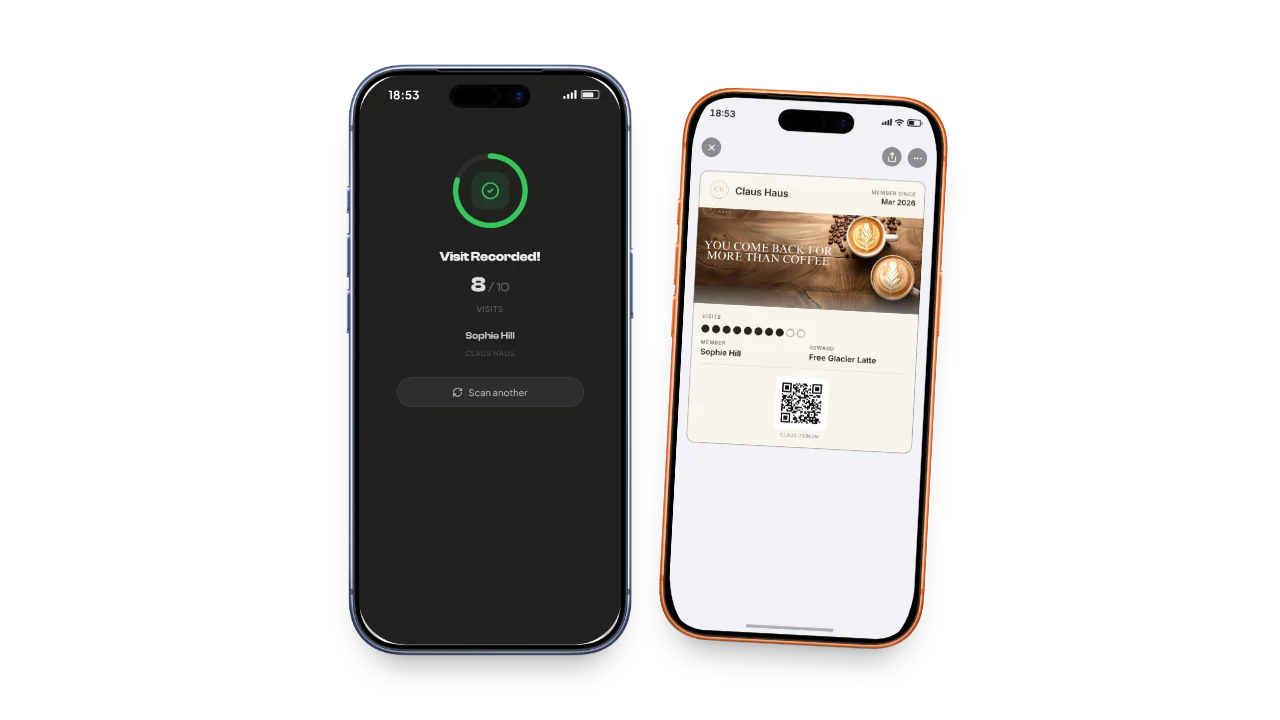
Your scanner is the phone already at your counter, so there is nothing to buy and nothing for staff to install. Fideliya runs in its browser, reads the QR code on a customer’s Apple Wallet or Google Wallet card, and adds a stamp, adds points, gives a reward or takes a purchase off a gift card; if a tap was a mistake, Undo stays on screen for a few seconds. Every plan includes it; Pro adds five team seats, Enterprise ten.
Nothing to buy, nothing to install: any phone or tablet at your counter scans your customers’ wallet cards, with Undo for a slip. On every plan.
Nothing to buy, nothing to install, nothing to teach
No hardware to buy
Staff open a page on the phone or tablet already at the counter and point the camera at the card.
A slip fixed in one tap
Scanned by mistake? Undo stays on screen for a few seconds and puts the pass back as it was.
The queue never waits on the software
Two refusals exist and no others: an add past the goal, and a gift card deduction bigger than the balance.
A new hire scans on day one
Pro adds five team seats and Enterprise ten, each as manager or staff, so someone new works the counter without seeing your billing.
Know which branch they keep coming back to
A scan carries the counter it was taken at. Free has one location, Pro four and Enterprise unlimited.
Saturday, eleven in the morning, four people deep. The person in front holds up a phone. Your barista points the tablet at it, taps once, and hands back a coffee. Three seconds, and the queue never noticed.
The counter is the one place a loyalty program has to be quick, and it is the place most of them are slowest. A queue does not wait for a device to boot, for somebody to find an app, or for software to decide whether a tap was intentional. Fideliya’s scanner is a web page. Staff open it in the browser on the phone or tablet already at the till, point the camera at the card, and the scan is done.
How a scan works
A customer’s loyalty card in Apple Wallet or Google Wallet carries a QR code. Staff open the Fideliya scanner, the camera reads the code, and the customer’s card comes up with their name, their balance, and the actions available. Staff tap the action, Fideliya records it, and the card updates on the customer’s phone. The whole exchange is a few seconds and needs no typing for a stamp.
The scanner runs in the browser, so it works on an iPhone, an Android phone, an iPad or any tablet with a camera. There is no scanner hardware to buy, no app to install for staff, and no account the customer has to show. A new counter is a new browser tab.
The four things a scan can do
| Action | On which card | What happens |
|---|---|---|
| Add a stamp | Visits card | The count goes up by one and the card updates on the phone |
| Add points | Points card | Staff type the points and the balance goes up by that amount |
| Claim a reward | Either card, once the goal is reached | The reward is marked claimed and the card starts its next cycle |
| Deduct from a gift card | Gift card | Staff type the purchase amount and the balance goes down |
What the scanner refuses, in plain words
Fideliya refuses exactly two scans. If staff type an amount of points that would take the customer past the card’s goal, the scanner says so and shows how many points are left to the goal, so staff can add that many instead. If staff type a gift card deduction larger than the balance, the scanner refuses and shows the balance. In both cases the message is a number in the operator’s own language, not a sentence to read while the queue waits.
Fideliya never refuses a scan for coming too soon after the last one. There is no cooldown at the counter. If a customer buys two coffees for two colleagues and is scanned twice, both scans count, because the till is not the place for software to form an opinion about whether a tap was meant. Where a business wants visits rather than scans, the analytics apply a one-hour window when they are read, so two scans within an hour count as one visit on the dashboard while the customer’s stamps stay as they were.
Who can scan
The owner scans on every plan, including Free. Pro adds five team seats and Enterprise ten, and the owner’s own login never consumes a seat. Each seat has a role. A manager can run the counter and manage the program; staff can scan and see customers. A new barista gets a staff seat, scans from day one, and never sees the billing page.
| Plan | Team seats beyond the owner | Locations |
|---|---|---|
| Free | 0 | 1 |
| Pro | 5 | 4 |
| Enterprise | 10 | Unlimited |
Every scan knows where it happened
A business with more than one counter gives each one a location in Fideliya, and every scan is tagged with the location it happened at. The Free plan has one location, Pro four and Enterprise unlimited. On the paid plans the dashboard shows scans by location, so a bakery with a stall at the market and a shop in town sees which one a regular visits and which one is quiet on Tuesdays.
Why a browser scanner beats a device
A dedicated scanner is one more thing to charge, one more thing to break, one more thing to teach a new hire on their first shift. A staff app is an install on every phone and an update every month. A web page is neither. The scanner is wherever a browser is, which at a counter is everywhere, and it is on every plan including Free, because a loyalty program that cannot be scanned at the till is not a loyalty program.
All it asks for is a camera and a connection. Where the counter has a bar of signal, it works on whatever is already there.
Fideliya is wallet-native loyalty program software for small businesses. Customers add a stamp or points card to Apple Wallet or Google Wallet in one tap, with no app to download and no account to create. Fideliya runs stamps, points, gift cards and referrals on one platform in English, French, Spanish, Italian and Arabic with full right-to-left support, and the free plan issues a real wallet pass for up to 20 customers. Team seats and locations by plan are on the pricing page.
Simple, transparent pricing
Turn visitors into regulars. Start free.
Free
€0.00/ month
1 business · 1 active pass · 20 customers
Pro
€49.99/ month
1 business · 1 active pass · 2,500 customers · 4 locations
Enterprise
€99.99/ month
1 business included, up to 5 · 1 active pass each · Unlimited customers · Unlimited locations
- No credit card required
- Cancel anytime
Frequently asked questions
They open the Fideliya scanner in the browser on the phone or tablet at the counter and point the camera at the QR code on the customer’s wallet card. The customer’s card comes up and staff tap the action.
No. Fideliya’s scanner is a web page that uses the camera on any phone or tablet. There is no hardware to buy and no app to install for staff.
With Fideliya a scan adds a stamp to a visits card, adds points to a points card, claims a reward once the goal is reached, or deducts a purchase from a gift card.
No. Fideliya never refuses a scan for being too soon after the last one. It refuses only an add that would pass the goal and a gift card deduction larger than the balance.
Yes. Fideliya includes the scanner on every plan. The owner scans on Free; team seats for other staff start on Pro.
The owner always can. Fideliya adds five team seats on Pro and ten on Enterprise, each with a role of manager or staff.
Yes. Fideliya tags each scan with a location. Free has one location, Pro four and Enterprise unlimited, and the paid plans show scans by location in the dashboard.
Yes. Fideliya’s scanner runs in the browser, so it works on an iPhone, an Android phone or any tablet with a camera, and it reads both Apple Wallet and Google Wallet cards.
Ready to get started?
No card. If your regulars don't join, you pay nothing.
Compare with other loyalty platforms
Related articles
More Regulars: Coffee Shop Loyalty Program
Turn first-time coffee drinkers into regulars with a coffee shop loyalty program: win the second visit, ship a wallet pass, watch the right numbers.
Win Regulars: Digital vs Paper Loyalty Cards
Digital vs paper loyalty cards: which one keeps your regulars? Paper, a branded app and a wallet pass compared on cost, effort and what you can see.
More Regulars: Apple & Google Wallet Loyalty
Apple Wallet and Google Wallet loyalty cards bring your customers back, with no app to download. What they see, what staff do, how to launch in an hour.